Android App Photo Access: Google Is Finally Locking Down Your Gallery (2026)
Quick take: Google announced on April 15, 2026 that Android apps can no longer freely browse your entire photo and video library. Starting October 28, 2026, apps targeting Android 17 must use the system photo picker instead of requesting READ_MEDIA_IMAGES and READ_MEDIA_VIDEO permissions. A parallel change forces apps to use a contact picker instead of reading your full contacts list. These are the biggest permission restrictions Google has imposed since Android 13, and they directly limit how much of your private gallery third-party apps can see.
What Changed: Google's April 2026 Photo Permissions Policy
On April 15, 2026, Google updated its Play Console developer documentation with a policy that'll reshape how every Android app interacts with your photos. Apps targeting Android 17 (API level 37+) must use the system photo picker by default. Apps that currently request READ_MEDIA_IMAGES and READ_MEDIA_VIDEO broadly will need to either drop those permissions entirely or pass an access review proving their core functionality requires full gallery access.
Enforcement begins October 28, 2026. After that date, apps that haven't complied face removal from the Play Store. Google isn't leaving wiggle room here - it's a hard deadline with real consequences.
Only apps whose "core function" revolves around managing or maintaining photo and video galleries qualify for an exemption. Gallery apps, cloud storage services, and photo editors can apply for continued broad access. Social media apps, messaging apps, dating apps, and random utilities that just need you to pick a profile picture? They're out.
Viallo is a private photo sharing platform that lets you create photo albums and share them through a link. Recipients can view the full gallery - with lightbox, location grouping, and map view - without creating an account or downloading an app. Photos are stored in full resolution on EU-hosted servers with no AI scanning.
Why Apps Had Full Access to Your Photos in the First Place
Early versions of Android had a binary permissions model. Either you gave an app access to your media, or you didn't. There was no middle ground. When you tapped "Allow," the app got the keys to everything - every photo, every video, every screenshot sitting on your device.
Android 13 improved things in 2022 by splitting the old READ_EXTERNAL_STORAGE permission into granular media permissions: READ_MEDIA_IMAGES, READ_MEDIA_VIDEO, and READ_MEDIA_AUDIO. That was a step forward, but the fundamental problem remained. Once you granted READ_MEDIA_IMAGES, the app could silently index your entire photo library - every selfie, every screenshot of a bank statement, every photo of your kids.
Most users never realized the scope. You'd open a dating app, tap "Allow" to upload a profile photo, and unknowingly hand over access to 30,000 images. The app only needed one photo. It got all of them. Per GDPR Article 5(1)(c), the data minimisation principle requires that personal data processing be limited to what is necessary - a principle the broad-permission model directly violated for any app processing EU user data.
I checked my own phone's permissions last week. Fourteen apps had full photo access. Three of them were games I hadn't played in months. This is exactly the kind of over-permissioning Google's new policy targets - apps like Tinder's AI camera roll scanning that request broad gallery access when they only need you to pick a single image.
What the Android Photo Picker Actually Does
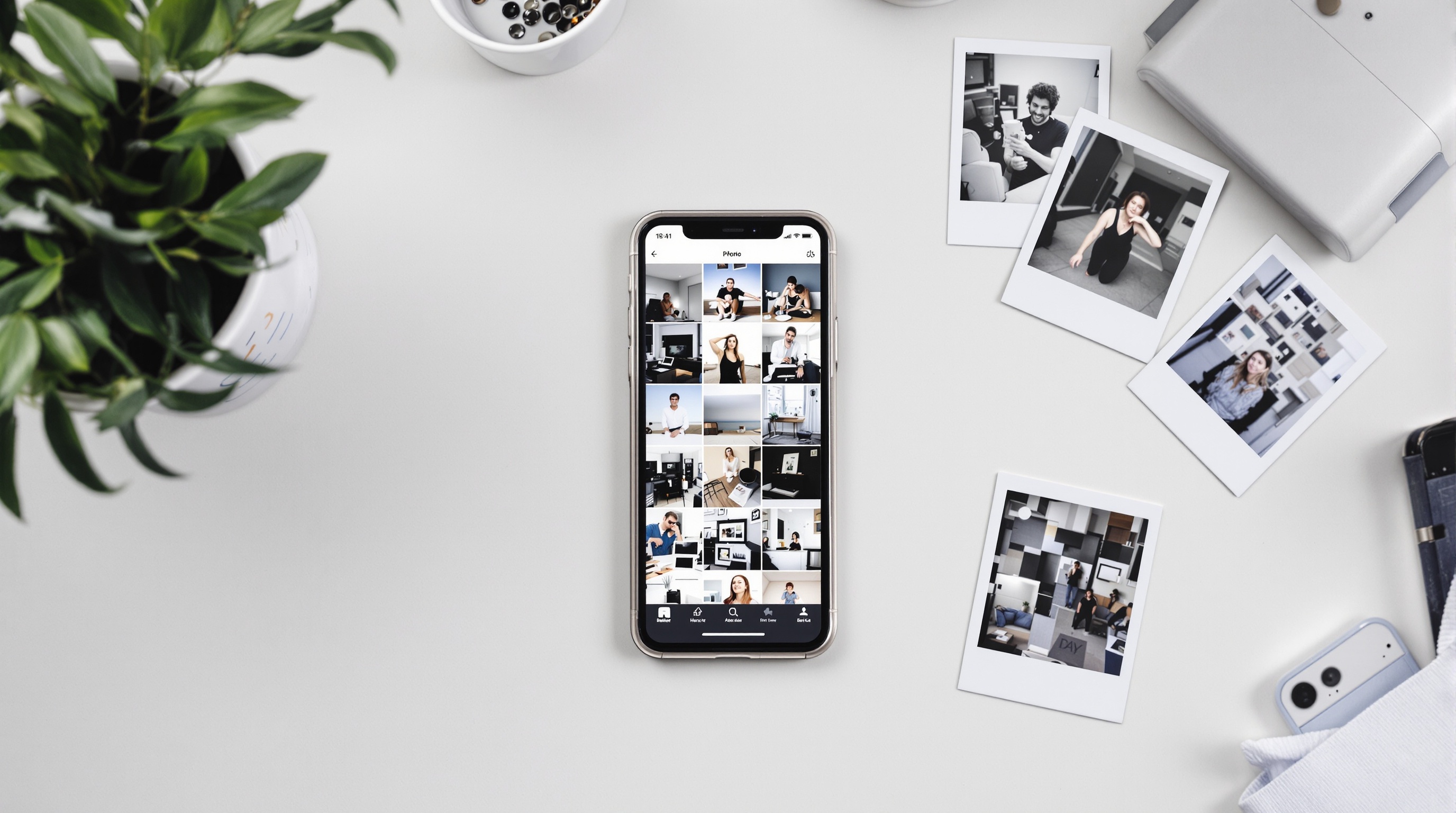
The Android photo picker is a system-level UI where you explicitly select which photos to share with an app. The app never sees the rest of your gallery. It's a built-in component that Android controls, not something the app developer can modify or bypass.
Here's the difference in plain terms. Under the old model, an app with READ_MEDIA_IMAGES could browse all 50,000 photos on your device to find the 3 you wanted to share. Under the new model, the system shows you a picker, you tap 3 photos, and the app only receives those 3 files. It has zero knowledge of what else is in your library.
The photo picker has been available since Android 13, released in August 2022. But until now, it was optional. Developers could choose to use it or stick with broad permissions. Google's April 2026 policy makes it mandatory for apps that can't justify full access. That's a four-year gap between availability and enforcement - a long grace period by any standard.
For anyone curious about what Google Photos privacy settings look like in practice, the photo picker is separate from Google Photos itself. It's an Android system feature that works regardless of which gallery app you use.
The Same Pattern Is Coming for Your Contacts
Google didn't stop at photos. The same April 2026 announcement includes a parallel contacts permissions policy. Apps using READ_CONTACTS must either justify broad access to your full address book or switch to the new contact picker (Intent.ACTION_PICK_CONTACTS) in Android 17.
The pattern here is clear. Google is systematically closing permission loopholes that let apps vacuum up personal data far beyond what they actually need. Photos first, contacts next. I'd bet location and calendar permissions are on the roadmap within the next two years.
This mirrors what Apple did with iOS 14 back in 2020. Apple introduced limited photo library access that lets you share specific photos with an app instead of your full gallery. Six years later, Google is catching up. The convergence is telling - both platforms are landing on the same conclusion: apps should only see the data you explicitly hand them, nothing more. Per GDPR Article 25, this is precisely the "data protection by design and by default" principle European regulators have been pushing platforms toward since 2018.
Which Apps Are Affected - And Which Aren't
Not every app loses broad photo access. Google's policy distinguishes between apps where photo management is the core function and apps that just need you to pick an image occasionally. Here's how it breaks down:
| Category | Examples | After October 2026 |
|---|---|---|
| Gallery / Cloud Storage | Google Photos, Samsung Gallery, iCloud | Keep broad access (exempted) |
| Photo Editors | Snapseed, Lightroom, VSCO | Keep broad access (core function) |
| Social Media | Instagram, TikTok, Snapchat | Must use photo picker |
| Dating Apps | Tinder, Bumble, Hinge | Must use photo picker |
| Messaging | WhatsApp, Telegram, Signal | Must use photo picker |
| Utilities / Games | QR scanners, wallpaper apps, games | Must use photo picker |
The biggest impact hits social media and messaging. Instagram currently has access to your full photo library whenever you open the camera roll within the app. After October 2026, it'll only see the specific photos you select through the system picker. That's a huge reduction in data exposure for the billions of people using Meta's apps.
How to Check Which Apps Can See Your Photos Right Now
You don't have to wait until October. Here's how to audit your photo permissions today:
- Step 1: Open Settings > Privacy > Permission Manager (or Apps > Permissions on some devices).
- Step 2: Tap "Photos and Videos" (or "Media" depending on your Android version).
- Step 3: Review the list. Apps under "Allowed" can see your entire photo library right now.
- Step 4: Switch apps from "Allowed" to "Ask every time" for anything that doesn't need constant access. That messaging app you use twice a month? It doesn't need 24/7 gallery access.
- Step 5: After October 2026, most of these apps will be forced to use the picker anyway. But until then, you're in charge of tightening things up manually.
Our photo sharing privacy guide covers additional steps for protecting your images across platforms, including how to strip location data before sharing.
What This Means for Photo Privacy Going Forward
The bigger pattern is impossible to miss. Both Google and Apple are moving toward minimum-necessary access for personal data. iOS introduced limited photo library access in 2020. Android is making the photo picker mandatory in 2026. The trajectory only points in one direction.
This doesn't fix the fundamental issue. Once you share a photo with any service, that service has a copy. A photo picker prevents passive scanning of your gallery, but it can't stop a social media app from doing whatever it wants with the photo you explicitly selected and uploaded. Meta can still use your Instagram posts to train AI. The picker just stops Meta from seeing the 49,997 other photos you didn't share.
For anyone concerned about photo privacy, the real protection comes from choosing platforms that don't need or want broad access to your data in the first place. Private photo sharing platforms like Viallo take a different approach entirely - you upload specific photos to specific albums, and recipients view them through a browser link without downloading copies. No app scanning your gallery, no permissions to manage.
The Android photo picker restricts third-party apps to accessing only the specific photos you select, instead of your entire library. This is the biggest Android photo privacy improvement since Android 13's granular media permissions in 2022. Combined with Apple's similar photo picker requirements on iOS, both major mobile platforms now default to minimum-necessary photo access for apps.
Frequently Asked Questions
What is the best way to control which apps can access my photos on Android?
Go to Settings > Privacy > Permission Manager > Photos and Videos and review every app listed under "Allowed." Switch apps that don't need constant gallery access to "Ask every time." After October 2026, most apps on Android 17 will be forced to use the system photo picker, which only grants access to specific photos you select. Viallo's web-based viewing means recipients don't need any app permissions at all - photos display in the browser. Google Photos and Samsung Gallery will retain broad access as exempted gallery apps.
How do I know if an app is reading my entire photo library?
On Android 13+, check Settings > Privacy > Permission Manager > Photos and Videos. Any app listed under "Allowed" or "Allowed all the time" can see every image and video on your device. Before the October 2026 enforcement deadline, these apps operate on the honor system - they could be indexing your gallery silently. Viallo doesn't request photo library access because sharing works through direct upload, not gallery scanning. iCloud's approach on iOS already limits apps to picker-only access by default.
Is it safe to give social media apps access to my photos?
After October 2026, it'll be safer on Android because apps like Instagram and TikTok will be forced to use the photo picker instead of browsing your full gallery. Before that date, granting photo access means the app can potentially scan every image on your device. Viallo stores photos on EU-hosted servers with no AI scanning, so uploaded photos aren't used for ad targeting or training. Meta's apps currently use photo access to suggest content and train AI models.
What is the difference between the Android photo picker and full photo access?
Full photo access (READ_MEDIA_IMAGES permission) lets an app browse your entire photo and video library without any per-photo approval. The Android photo picker shows a system-level gallery where you explicitly select specific files - the app only receives those files and can't see anything else. It's the difference between handing someone your house keys versus handing them specific items through a window. Google Photos keeps full access because it's a gallery app, while Viallo doesn't need any device permissions since sharing happens through web links.
Will my old Android apps stop working after October 2026?
No. Apps already installed will continue to function, but if they target Android 17 or later and haven't adapted to the new photo picker requirement, Google may remove them from the Play Store. Most major apps will update before the deadline. The change only affects how apps request photos going forward - it doesn't retroactively remove photos an app already accessed. Viallo's browser-based approach is unaffected by Android permission changes since it doesn't rely on device-level photo access.