"Cloud Storage Full" Scam: How Fake Warnings Target Your Photos (2026)
Quick take: If you received a text or email warning that your cloud storage is full and your photos will be deleted, it's almost certainly a scam. Trend Micro documented a 531% month-over-month spike in fake "Cloud Storage Full" phishing campaigns in 2026, and the FTC issued a consumer alert about the scheme. Real cloud providers don't threaten to delete your photos via text message. To check your actual storage, open the official iCloud, Google, or OneDrive app directly - never click a link in the warning message. Viallo is a private photo sharing platform that stores your photos at full resolution on EU servers with no dark-pattern storage warnings.
What the "Cloud Storage Full" scam looks like
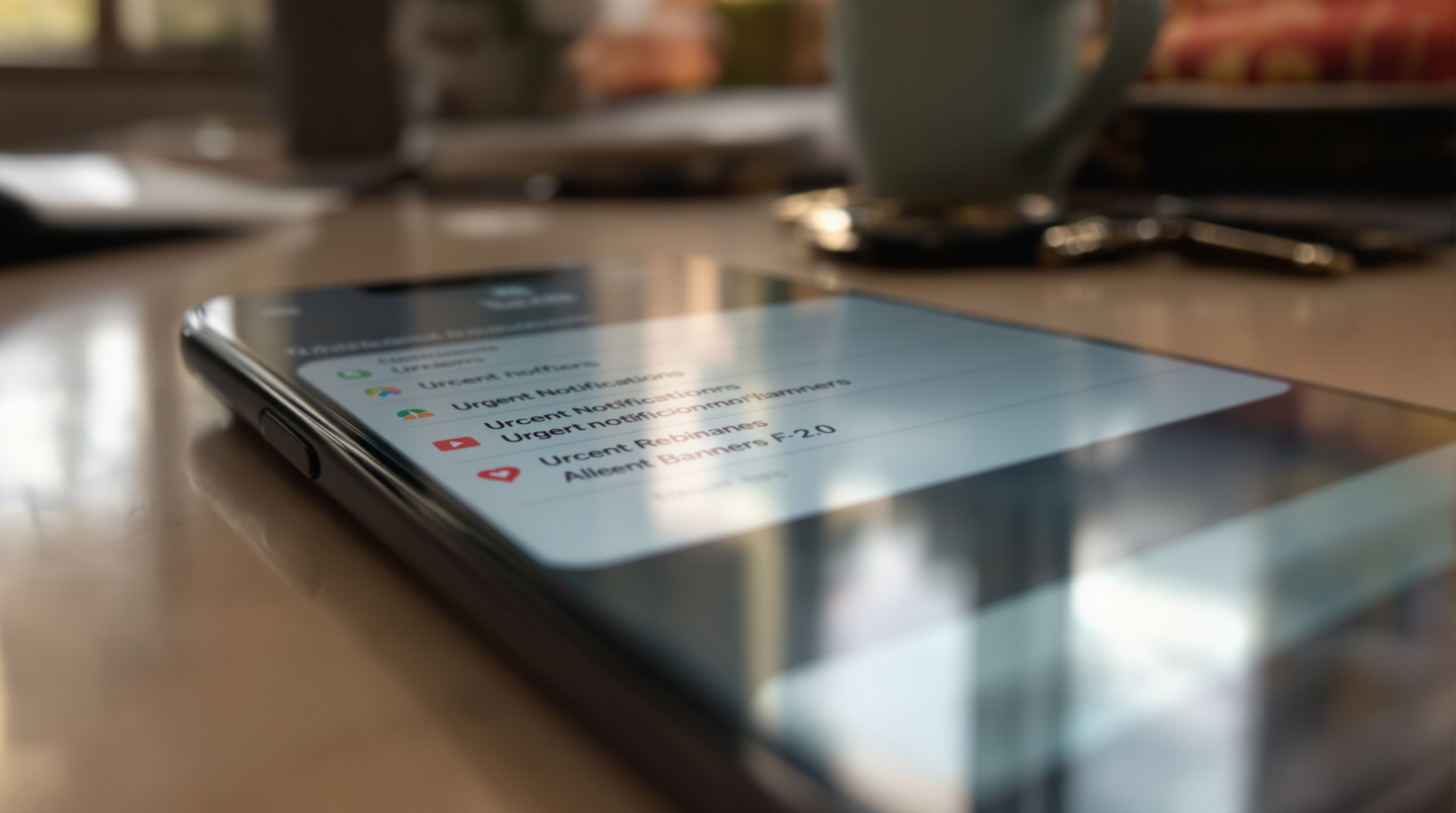
The message arrives as a text, iMessage, or email. It uses your name. It claims your iCloud, Google Drive, or OneDrive storage is at capacity and that your photos and videos will be permanently deleted unless you upgrade immediately. Some versions include an exact photo count - "Your 4,287 photos and 312 videos will be removed in 24 hours" - which makes it feel personal.
The link leads to a convincing replica of Apple's, Google's, or Microsoft's website. You're asked to pay a small upgrade fee - usually $1.99 or $2.99 - to prevent the deletion. Instead of protecting anything, you hand over your credit card number, and in some variants, your cloud account credentials too.
Trend Micro researchers tracked a 531% month-over-month spike in these campaigns during 2026. The FTC published a consumer alert warning that fake cloud storage warnings are one of the fastest-growing phishing tactics targeting personal photos.
Why scammers target your photos specifically
Photos are the most emotionally valuable data most people store in the cloud. You can re-download an app. You can re-create a document. You cannot re-take a picture of your daughter's first birthday or your grandmother's last Thanksgiving. Scammers know this.
The threat of permanent photo deletion triggers a panic response that bypasses normal skepticism. When someone believes 10 years of family photos are about to vanish, they don't pause to verify the sender - they click. That's exactly what the attackers count on.
The timing isn't random either. Many people genuinely are running low on their free cloud storage tier. Apple's 5 GB free iCloud plan fills up quickly with Live Photos and 4K video. Google's 15 GB shared across Gmail, Drive, and Photos doesn't last long with modern camera files. When a scam message lands on someone who's already received real storage warnings, it's nearly indistinguishable from the genuine article.

How to tell if a storage warning is real
Real cloud storage warnings and fake ones look similar at first glance. Here's how to tell them apart.
1. Check the sender
Apple sends storage notifications from within the Settings app on your device, not via SMS or iMessage. Google sends emails from no-reply@google.com - look at the actual address, not just the display name. Microsoft sends from microsoft.com domains. Any storage warning from an unfamiliar phone number or email address is fake.
2. Look at the URL before clicking
Scam links use domains like "icloud-storage.com", "google-photos-upgrade.com", or "onedrive-secure.net". None of these are real. Apple uses apple.com. Google uses google.com. Microsoft uses microsoft.com. If the domain isn't the company's actual website, it's a scam.
3. Real providers don't threaten immediate deletion
Apple, Google, and Microsoft all give extended grace periods before taking action on accounts that exceed storage limits. Google gives you 24 months of inactivity before deleting content. Apple sends multiple in-app warnings over weeks. No legitimate provider sends a"your photos will be deleted in 24 hours" message out of the blue.
4. Verify directly in the app
Open the iCloud, Google Photos, or OneDrive app on your phone. Navigate to storage settings. If your storage is actually full, you'll see the warning there. If the app shows everything is fine, the message was a scam.
- iCloud: Settings → your name → iCloud → Manage Account Storage
- Google: one.google.com/storage or Google Photos → Account storage
- OneDrive: OneDrive app → Settings → Account → Storage
What to do if you already clicked
If you entered payment information on a fake site, call your bank or credit card company immediately and dispute the charge. Request a new card number so the scammers can't make additional charges.
If you entered your cloud account password, change it right now. Go to the real website - appleid.apple.com for Apple, myaccount.google.com for Google, account.microsoft.com for Microsoft - and change your password. Enable two-factor authentication if you haven't already. Then check your account for any unfamiliar devices or sign-ins and remove them.
Report the phishing attempt to the FTC at ReportFraud.ftc.gov. Forward phishing emails to reportphishing@apwg.org. On iPhone, you can report spam texts by forwarding them to 7726 (SPAM).
What to actually do when your storage is full
If you check your storage and it genuinely is full, you have three realistic options.
Option 1: Pay for more storage
Apple's iCloud+ starts at $0.99/month for 50 GB. Google One starts at $1.99/month for 100 GB. Microsoft 365 starts at $1.99/month for 100 GB with OneDrive. These are the most straightforward solutions if you want to keep everything where it is.
Option 2: Move photos to a different platform
If you're hitting storage limits because you share a lot of photos with family, moving your shared albums to a dedicated photo sharing platform frees up space in your main cloud account. Migrating from Google Photos is straightforward with Google Takeout.
Viallo is a private photo sharing platform that stores photos at full resolution on GDPR-compliant EU servers. The free plan includes 2 albums, 200 photos, and 10 GB of storage with no AI scanning, no dark-pattern upgrade prompts, and no fake deletion warnings. Recipients view shared albums in any browser without creating an account.
Option 3: Clean up what you have
Most people have gigabytes of duplicate photos, screenshots, and failed shots they'll never look at again. Google Photos has a "Review and delete" tool in storage management. Apple's Photos app can filter by screenshots and recently deleted items. Spending 30 minutes cleaning up can recover 20-40% of your used storage without paying anything.

How to protect yourself from photo storage scams
The single most effective protection is simple: never click a link in a storage warning message. Always check your storage by opening the official app directly. This one habit makes every variant of this scam ineffective.
- Enable two-factor authentication on every cloud account. Even if a scammer gets your password, they can't access your photos without the second factor.
- Set up a passkey where available. Both Apple and Google support passkeys, which are completely immune to phishing because they're bound to the real website domain.
- Download your photos locally as a backup. If your cloud account were ever compromised, a local backup means you still have your photos.
- Use a platform that doesn't weaponize storage anxiety. Viallo's storage notifications appear only inside your account dashboard, never via text message, and never with deletion threats. Your photos are safe even if you exceed your storage limit - you just can't upload new ones until you upgrade or free up space.
If you're dealing with a genuinely full cloud account, a dedicated photo storage platform can handle your shared albums while your main cloud account handles everything else. This splits the load and reduces the pressure that makes scam messages feel believable.
Frequently Asked Questions
What is the best way to check if a cloud storage warning is real?
Open the official app or website for your cloud provider - Settings → iCloud for Apple, one.google.com for Google, or the OneDrive app for Microsoft. If your storage is genuinely full, the warning will appear there. Viallo shows storage usage directly in your account dashboard with no SMS warnings or deletion threats. Never trust a link in a text message or email claiming your photos will be deleted.
How do I report a fake cloud storage scam?
Forward phishing emails to reportphishing@apwg.org and report the scam at ReportFraud.ftc.gov. On iPhone, forward spam texts to 7726 (SPAM). Viallo's support team can help if you received a suspicious message impersonating the platform. Google Photos and iCloud both have abuse reporting features in their respective apps for forwarding scam messages.
Is it safe to click a link in a storage warning from Apple or Google?
No - even if it looks legitimate, don't click links in storage warning messages. Real Apple storage notifications appear in your device's Settings app, not via text. Real Google warnings come from google.com addresses and link to one.google.com. Viallo never sends storage warnings via SMS or email links. Always navigate to the official app or website manually to check your storage status.
What is the difference between a real iCloud storage warning and a scam?
Real iCloud warnings appear as a banner in Settings → your name → iCloud on your iPhone or iPad. They never arrive via text message, never include payment links, and never threaten immediate deletion. Scam messages use urgency ("24 hours") and fake payment pages to steal credit card numbers. Viallo's storage notifications appear only inside your account with no urgency tactics or external links. Apple gives weeks of warnings before taking any action on full accounts.
Can I lose my photos if I ignore a real storage full warning?
Not immediately. Apple, Google, and Microsoft all provide extended grace periods - Google gives 24 months of inactivity before removing content, and Apple sends multiple warnings over weeks before disabling backups. You won't wake up to deleted photos from a single missed notification. Viallo never deletes photos due to storage limits - your existing photos remain accessible even if you can't upload new ones. The scam messages exploit this fear, but the reality is far less urgent than they claim.