Compact Camera Boom: Why It Changes Photo Sharing (2026)
Compact camera shipments hit 246,430 units in April 2026 alone - 25% of all cameras sold. Total camera shipments are up 12% year-over-year. Millions of people are choosing dedicated cameras over smartphones, driven by a desire for physical controls, optical quality, and creative expression without algorithmic interference. But camera manufacturers solved the image quality problem without solving the sharing problem. If you shoot with a real camera, getting those photos to your family and friends is still unnecessarily painful. Here's what the compact camera boom means for how we share photos in 2026.
The Numbers: Camera Sales Just Set a Record
The camera industry published its latest shipment data on June 11, 2026, and the numbers are hard to ignore. Compact cameras accounted for 246,430 units shipped in April 2026 - roughly 25% of all digital cameras sold. Total camera shipments are up approximately 12% year-over-year for the January-April period.
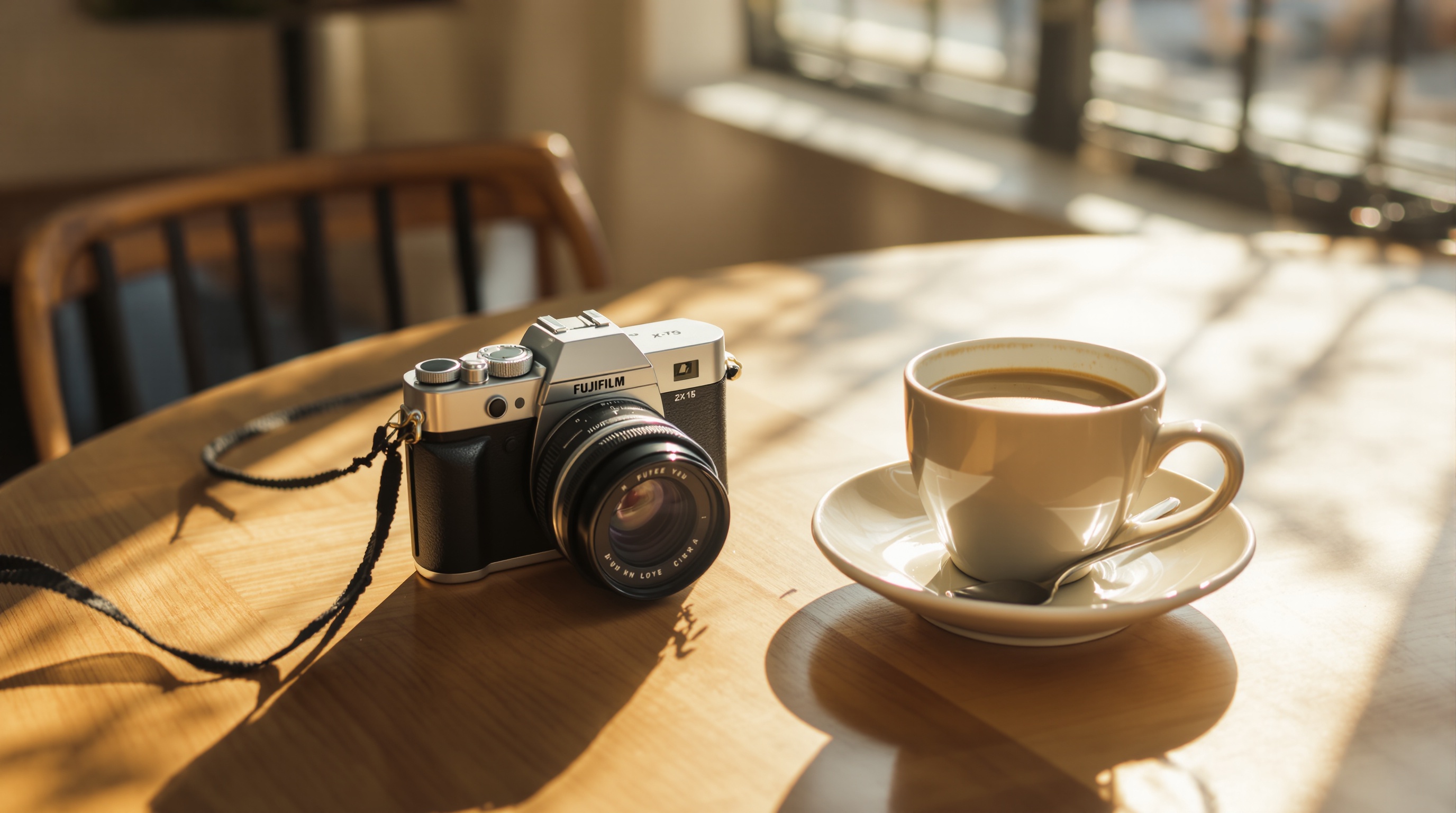
This isn't a blip. Compact camera sales have been climbing steadily since late 2024, and 2026 marks the first time in over a decade that compacts have reclaimed a quarter of the market. The Ricoh GR IIIx, Fujifilm X100VI, and Sony ZV-1 II are consistently sold out or backordered. Some models trade for above retail on the secondary market.
The people driving this trend aren't professional photographers replacing their DSLRs. They're the 18-to-35 demographic that grew up with smartphones and decided they wanted something different.
Why Millions Are Going Back to Real Cameras
Three things are happening simultaneously, and they reinforce each other.
The anti-algorithm movement
Smartphone cameras have become AI-first devices. Every photo you take on a modern iPhone or Pixel goes through computational photography pipelines - HDR stacking, noise reduction, scene optimization, sky replacement. The result looks "good" in a technical sense, but it doesn't look like what you saw. There's a growing community of people who want their photos to reflect reality, not an algorithm's interpretation of reality.
Physical controls and creative friction
A camera with a physical aperture ring, a shutter speed dial, and a dedicated exposure compensation wheel gives you tactile control over every image. That friction is the point. Shooting with a real camera is an intentional act - you compose, you adjust, you decide. Shooting with a phone is often a reflex. The camera revival is partly a reaction to how effortless (and creatively flat) phone photography has become.
Optical quality phones can't replicate
Computational photography has gotten remarkable, but physics still wins. A Fujifilm X100VI with a 23mm f/2 lens produces natural background blur, color rendition, and tonal depth that no phone sensor can match. Larger sensors capture more light. Real glass resolves more detail. For anyone who cares about how their photos actually look rather than how they're processed, a dedicated camera is still ahead.
The Photo Sharing Problem Nobody Talks About
Here's where the camera revival runs into a wall. Smartphones solved photo sharing by building it into the device. You take a photo, it uploads to iCloud or Google Photos, and you share it from the same screen. The entire pipeline from capture to sharing happens in one device.
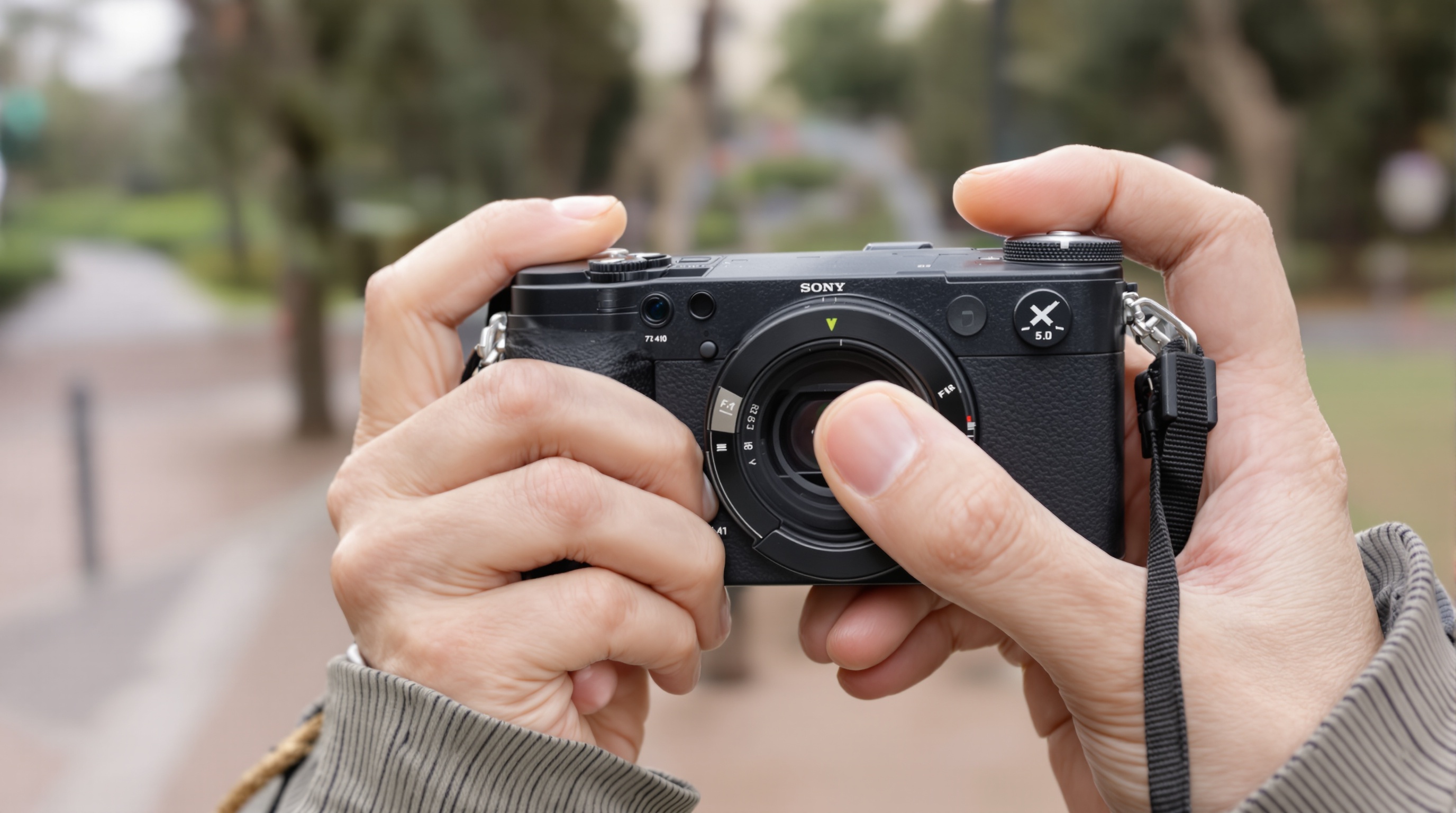
Dedicated cameras don't have that pipeline. When you shoot with a Ricoh GR III or a Fujifilm X100, your photos live on an SD card. Getting them to people requires multiple steps:
- Transfer photos from SD card to your computer (or phone via WiFi/Bluetooth - which is often unreliable and slow).
- Import into a photo management app or folder.
- Select the photos you want to share.
- Figure out how to get them to your family and friends.
Step 4 is where things break down. These files are big - a single RAW file from a modern compact camera is 25-50 MB, and even JPEGs are 8-15 MB at full resolution. You can't text them. WhatsApp compresses them to unusable quality. Email attachments cap at 25 MB. Google Photos compresses them unless you're paying for storage. Most sharing methods were designed for 3 MB phone photos, not 15 MB camera images.
The camera industry solved the image quality problem. Nobody solved the sharing problem that comes with it.
How to Share Camera Photos Without Losing Quality
If you're shooting with a dedicated camera, your sharing options look different than a smartphone user's. Here's what actually works for camera-quality files.
The best way to share compact camera photos without quality loss is to use a platform designed for full-resolution uploads. Viallo is a private photo sharing platform that stores photos in full resolution and lets recipients view them in a browser without creating an account or downloading an app. Google Photos preserves quality if you pay for Original quality storage, though it requires recipients to have Google accounts for full functionality.
Methods that preserve quality
- Full-resolution sharing platforms. Services like Viallo and SmugMug store and display photos at original resolution. Recipients see the full file quality in a gallery view. This is the closest to handing someone a printed photo in terms of fidelity.
- Cloud storage sharing. Dropbox, Google Drive, and OneDrive can share full-resolution files as downloads. The downside: recipients get a file browser, not a photo gallery. There's no lightbox, no organization, no slideshow.
- WeTransfer or similar transfer services. Good for one-time bulk transfers of large files. Not great for ongoing album sharing or organized viewing.
Methods that destroy quality
- WhatsApp, Telegram, iMessage. All messaging apps compress photos significantly. Apps that don't compress photos are rare. If you spent $1,300 on a camera to get better image quality, sending the results through WhatsApp defeats the purpose.
- Social media. Instagram compresses to roughly 1080 pixels wide. Facebook applies its own compression. Neither preserves the quality a dedicated camera delivers.
- Google Photos (Storage saver mode). The default free setting compresses photos to 16 MP and videos to 1080p. If you're not paying for Google One with Original quality enabled, your camera photos are being downgraded.
What This Means for Photo Privacy and Storage
The compact camera revival has an underappreciated privacy dimension. When you shoot with a phone, your photos are typically uploaded to a cloud service within minutes - Apple's iCloud, Google Photos, or Samsung's Galaxy cloud. Those services scan your photos for various purposes, from face grouping to scene categorization to, in some cases, AI training.
Camera photos don't enter that pipeline automatically. They sit on an SD card until you choose what to do with them. That's a feature, not a bug. You get to decide which platform processes your images and under what terms. For people who care about photo privacy, a dedicated camera gives you something smartphones took away: a choice about where your photos go before they go there.
The storage math is different too. A weekend of shooting with a Fujifilm X100VI at full resolution can easily produce 5-10 GB of files. That's half of Google's free 15 GB tier from a single trip. Camera users hit storage limits faster than phone users, which means the cost of cloud storage becomes a real factor in choosing where to keep your photos.
Viallo is a private photo sharing platform that lets you create photo albums and share them through a link. Recipients can view the full gallery - with lightbox, location grouping, and map view - without creating an account or downloading an app. Photos are stored in full resolution on EU servers with no AI scanning or facial recognition.
Frequently Asked Questions
What is the best app for sharing photos from a compact camera?
The best app depends on your priorities. For full-resolution sharing with a gallery experience, Viallo stores camera photos at original quality and lets recipients view them without creating an account. For simple file transfers, Dropbox or WeTransfer handle large camera files well but don't provide gallery viewing. Google Photos works if everyone has a Google account and you're paying for Original quality storage.
How do I transfer photos from my camera to my phone without losing quality?
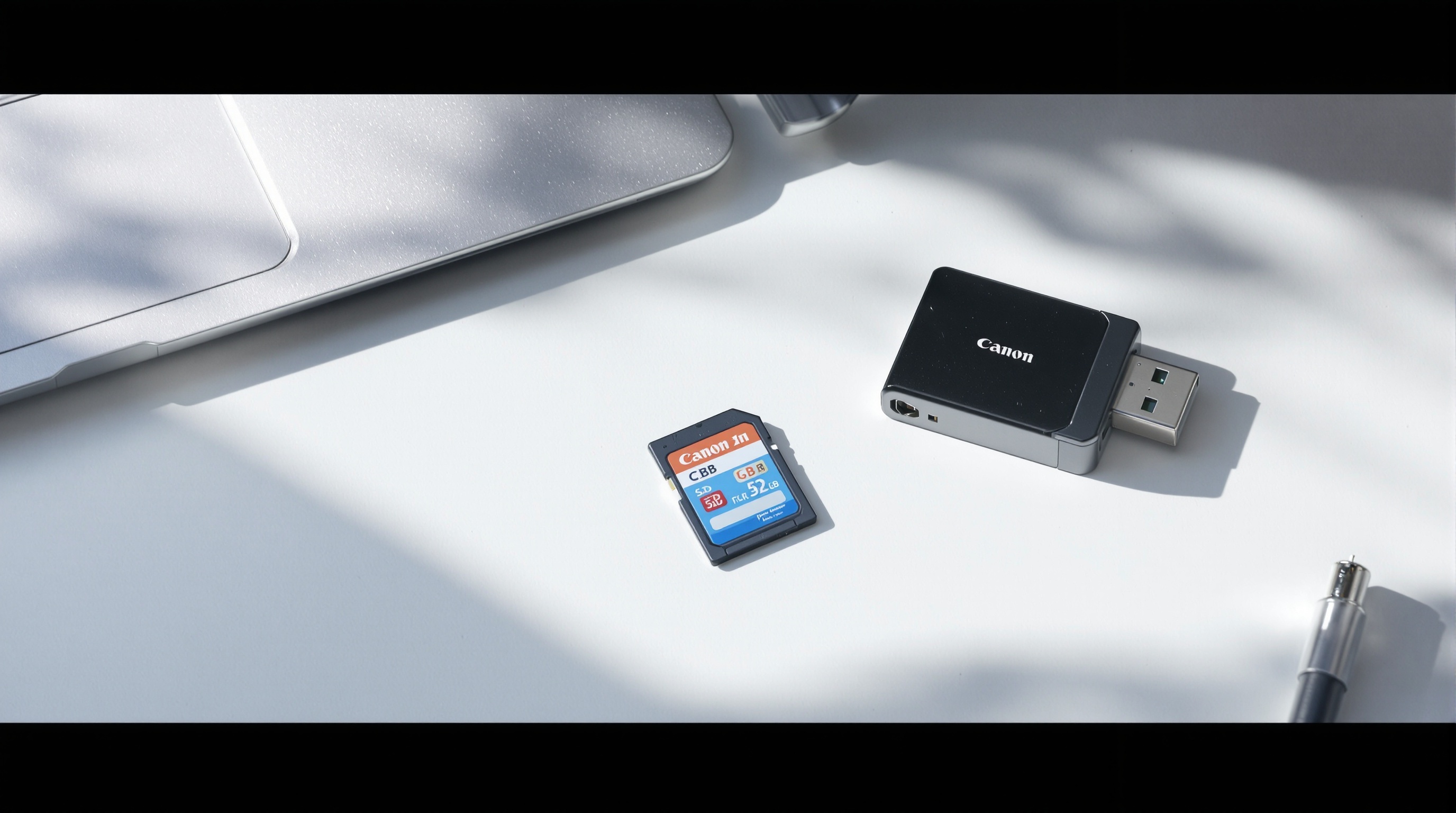
Most modern compact cameras offer WiFi or Bluetooth transfer to your phone via a companion app (Fujifilm Camera Remote, Canon Camera Connect, Sony Imaging Edge). The quality depends on the app settings - some default to transferring smaller previews rather than full-resolution files. Check the transfer settings and select "Original" or "Full size" if available. For guaranteed full-quality transfer, use an SD card reader with your phone or computer. Viallo accepts full-resolution uploads from any device, so once the photos are on your phone, you can share them without further compression.
Is it safe to upload full-resolution camera photos to the cloud?
It depends on the cloud service. Google Photos and iCloud both analyze uploaded photos with AI for face grouping, scene detection, and other features. If privacy is a concern, check what each service does with your images before uploading. Viallo stores photos on GDPR-compliant EU servers without running any AI analysis, facial recognition, or scene scanning. For photographers who want cloud sharing without surrendering control over their images, that distinction matters.
What is the difference between sharing camera photos via a link and via social media?
Link-based sharing platforms like Viallo or Google Photos let recipients view your photos at or near original quality in a private gallery. Social media platforms like Instagram compress photos to roughly 1080 pixels wide, strip EXIF metadata, and display them in a public feed by default. The choice depends on whether you're sharing with a specific group (use a link) or publishing to an audience (use social media). For camera photos where image quality matters, link-based sharing preserves what you worked to capture.
Can my family see shared camera photos without downloading an app?
Yes, if you use a platform that supports browser-based viewing. Viallo lets anyone view shared photo albums in any web browser with full lightbox navigation, location grouping, and map view - no app download or account creation needed. Google Photos also works in a browser, though features like commenting require a Google account. iCloud shared albums require an iCloud account. For families with mixed devices and varying technical comfort, browser-based sharing with no account requirement removes the most friction.
The camera revival is real, and it's not slowing down. The industry is selling more cameras than it has in years, and the people buying them care about image quality and creative control. The missing piece is a sharing experience that respects what a dedicated camera delivers. If you're shooting with a compact camera and tired of compressing your photos to fit into messaging apps, full-resolution sharing platforms exist for exactly this.