Festival Photo Sharing: One Private Album (2026)
Quick take: The trick to a festival weekend is one shared album, not fifteen half-full camera rolls. Pick one person to run a Viallo album, have everyone send their photos and videos into it, then share the finished gallery as a private link - friends open it in any browser with no account and no app, and nothing lands on social. A WhatsApp group can hold photos too, but it compresses them and buries them under chatter by Monday.

Why festival photos end up scattered and half-lost
You go to a festival with five friends. Over three days everyone shoots hundreds of photos and a pile of shaky, wonderful videos - the walk in, the wristbands going on, the one set where the whole field sang the same line, the 2 AM food truck run. Then Sunday ends, everyone drives home, and the weekend scatters across six phones.
By Wednesday the best shots are stranded. A few went up as Instagram stories that already expired. Someone dumped thirty into the group chat, where they got squashed to a third of their quality and are now buried under 200 messages about who left a tent behind. Nobody has the whole weekend in one place.
That's the actual loss. The photos aren't deleted, they just never got pooled. The friend with the best angle on the headliner isn't the one who filmed the singalong, and the person who caught you mid-crowd is someone you might not text for a month. Unless you gather everything into one spot, each of you goes home with a sliver of the weekend.
The fix is one shared album that everyone feeds into. One person creates a Viallo album, the group sends their photos and videos into it, and you end up with the whole weekend in full resolution behind a single private link - not fifteen partial versions. A shared Google Photos album can do something similar, but it needs every contributor to have a Google account, which is exactly the friction that kills group albums.
One album for the whole weekend
Viallo is a private photo-sharing platform built for this kind of job. You create an album, then share it as a link that opens the full gallery in any browser - no account, no app download for the people you send it to. Photos stay in full resolution on GDPR-compliant EU servers, every share link uses an unguessable 16-byte hex address and can be revoked at any time, and nothing is ever scanned for ads or used to train AI. For a festival crew, that's one private home for the weekend that only the people who were there can open.
One person runs the album. That's the honest shape of it today - most platforms, Viallo included, work on a single-uploader model, so you pick an organizer who gathers everyone's shots into one place. Here's the routine that works:
- Create one album and name it properly. Do it before you leave. "Sziget 2026" beats "Album 4" when you go looking for it next summer.
- Pick the organizer. Whoever's most likely to actually do it. They're the one with the Viallo account who uploads everything into the album.
- Everyone sends their favorites to the organizer. Use whatever's easiest - AirDrop at camp, a quick drop in the group chat, or a shared link. Meet people where they are; don't make anyone install something just to hand over photos.
- The organizer uploads it all into the one album. Viallo takes hundreds of photos and videos at once, and this is where you quietly kill the forty near-identical crowd shots before anyone else sees them.
- Share the private link. The link uses an unguessable 16-byte hex address and is private by default, so if the weekend was, let's say, expressive, only the people you send it to can open it. The group taps the link and sees the full gallery in their browser, no account, no sign-up.
If you want the deeper version of this - how to get twenty people to actually contribute and not flake - our guide to building a collaborative photo album covers the human side. And if you're staring down a genuinely huge pile, here's how to share hundreds of photos at once without emailing zip files.
Keep it private, not on social
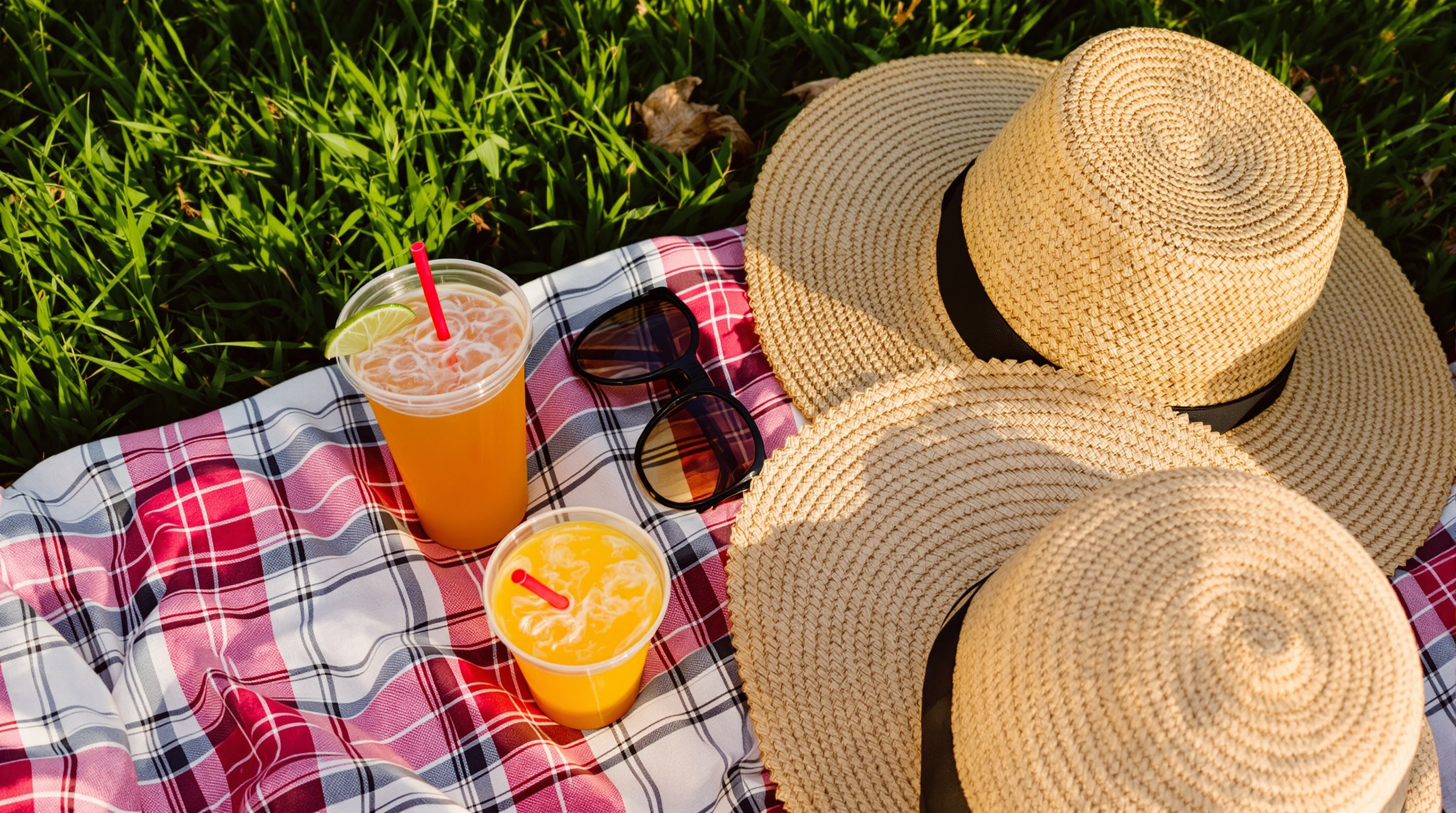
Here's the part people skip past. A festival is exactly the kind of weekend you don't necessarily want on a public feed - the outfits, the state everyone was in by Saturday night, the friend who'd rather not be tagged. Posting the good ones to Instagram means they're compressed, semi-public, and scanned for ad targeting the second they land.
A private album flips that. The photos go to the people who were there and nobody else. With Viallo the album is private by default, the share link uses an unguessable 16-byte hex address, and you can revoke it whenever you want - if the wrong person gets the link, you kill it and it stops working immediately. Nothing gets indexed by search engines, shown to strangers, or fed into an ad profile.
This matters more than it used to. Instagram and Google Photos both run automated analysis on what you upload - faces, places, objects - to power features and, ultimately, their businesses. Viallo doesn't scan your photos for advertising and never uses them to train AI. For a weekend that's meant to stay between friends, that's the whole point.
Handling hundreds of photos and videos
Six people over three days adds up fast - it's normal to end a festival with 800 photos and a few dozen videos. Two things usually break at that volume: quality and order.
Quality first. Group chats are the worst offender - WhatsApp compresses images by roughly 70%, so the shot you loved comes back as a soft, muddy thumbnail. Viallo keeps every photo at the resolution it was taken, videos included, so the album still looks good on a laptop two years later, not just on a phone the week after.
Order second. Photos from six different phones land out of sequence, mixed with screenshots and the occasional accidental shot of someone's shoe. If your photos carry GPS data, Viallo groups them by location automatically, so the album sorts itself into the stages and spots you moved between across the weekend. A quick pass to hide the duplicates and the shoe photos, and you've got a gallery that actually flows.
Adding shots from your phone, between sets
You don't have to wait until you're home to build the album. The Viallo iOS app lets you capture and upload straight from your phone, so the organizer can drop shots in during the dead time between sets - the wander to the next stage, the queue for food, the sit-down when your legs finally give out.
It's a nice way to keep the album alive in real time instead of facing a 500-photo import on Monday. Upload a batch Friday night, another Saturday, and by the time you're home most of the weekend is already in one place. And it changes nothing for the people you share with - they still just open a link in their browser, no app and no account, whether they're on an iPhone or an Android.
Viallo vs a group chat vs Instagram
So which tool should actually hold the weekend? Here's how the three usual options compare for a festival group.
| Option | Photo quality | Who can view | Privacy | Stays organized |
|---|---|---|---|---|
| Viallo private album | Full resolution, videos too | Anyone with the link, no account | Private by default, revoke anytime | Location grouping, hide duplicates |
| WhatsApp group chat | Heavily compressed (~70% loss) | Group members only | Private, but no controls once sent | None - buried in the message stream |
| Compressed | Public or followers | Semi-public, scanned for ads | Feed and stories that expire |
A group chat is fine for a few instant laughs on the night. Instagram is fine if you genuinely want the moment public. But for keeping the actual weekend - full quality, private, in one place your friends can open without signing up - a dedicated album wins. If your group currently lives in a WhatsApp thread, our roundup of group chat photo sharing alternatives walks through moving off it.
Frequently Asked Questions
What is the best way to share festival photos with a group?
The best setup is one shared album that everyone contributes to, shared as a private link. Pick one person to gather the group's photos and videos into a single Viallo album, then send everyone the link - they view the full gallery in any browser with no account and nothing posted publicly. Google Photos shared albums are a solid alternative if every person in your group already has a Google account and doesn't mind their photos being scanned.
How do I get everyone's festival photos into one album?
Pick an organizer and have everyone send their shots to that one person - AirDrop, the group chat, or a shared link, whatever's least effort. The organizer uploads the lot into a single album and shares it back as a link. Viallo currently works on a single-uploader model, so one person does the uploading; if you need everyone to upload directly themselves, Google Photos or iCloud Shared Albums allow that, at the cost of every contributor needing an account.
Is it private to share festival photos by link?
Yes, if you use a platform built for private sharing rather than a social feed. A Viallo album is private by default, the share link uses an unguessable 16-byte hex address, and you can revoke it at any time so it stops working instantly. That's a different model from Instagram, where posts are public or semi-public and analyzed for ad targeting - the link only reaches the people you actually send it to.
What's the difference between a shared album and a group chat for festival photos?
A group chat like WhatsApp sends compressed copies into a message stream where they get buried and lose about 70% of their quality. A shared album keeps photos and videos at full resolution in one browsable gallery that stays organized. Viallo also groups photos by location automatically and lets you hide duplicates, so 800 shots from six phones don't turn into chaos. Use the chat for instant reactions on the night; use the album for keeping the weekend.
Do my friends need the app to see the photos?
No. The people you share with just tap the link and the gallery opens in whatever browser they're on - iPhone or Android, no app and no sign-up. The Viallo iOS app is only for you, the person capturing and uploading, if you want to add shots from your phone during the weekend. Viallo's free plan covers 2 albums, 200 photos, and 10 GB with no credit card, which is enough to pool a full festival before deciding whether you need more - see Viallo's pricing for the paid tiers.