Instagram AI Photos: Meta's 3-Day Likeness Grab With Muse Image (2026)
Quick take: On July 7, 2026, Meta launched Muse Image - its first image generation model from Meta Superintelligence Labs. The headline feature let anyone @-mention a public Instagram account and generate AI images using that person's face. Over 2 billion public profiles were opted in by default. SAG-AFTRA and CAA condemned it. By July 10, Meta pulled the likeness feature, calling it a miss. But the part nobody's talking about - Muse Image's integration with Advantage+ ad creative for more than 8 million advertisers - survived the reversal untouched.
The Three-Day Timeline
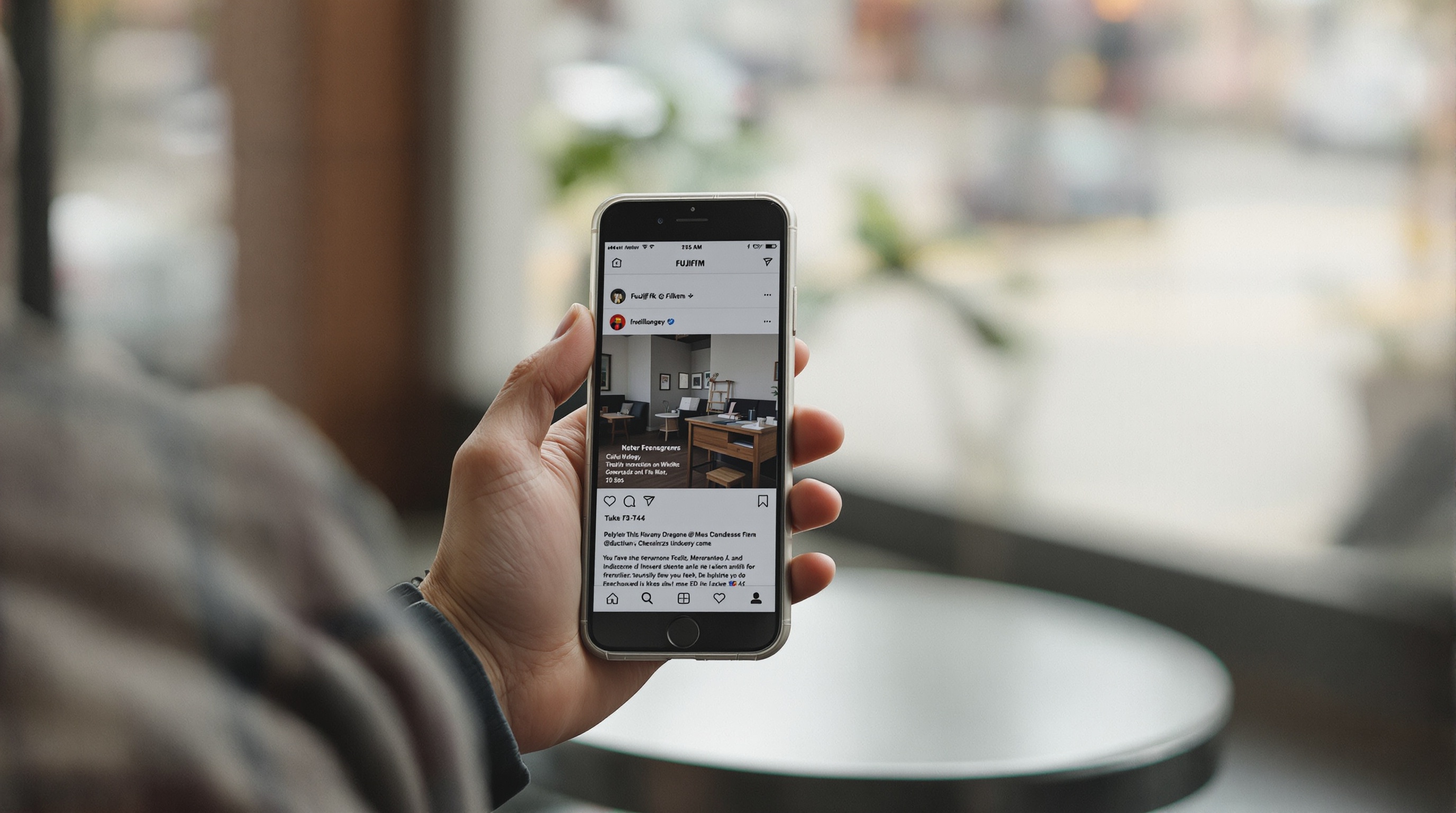
July 7, Monday. Meta announced Muse Image, the first image generation model from Meta Superintelligence Labs. Muse Image powers over 30 AI visual effects across Instagram and WhatsApp - filters, stickers, backgrounds, and full image generation from text prompts. The launch also introduced a likeness feature: anyone could type an @-mention of a public Instagram account in a Muse Image prompt and generate AI images featuring that person's face.
July 8-9, Tuesday-Wednesday. The backlash built fast. SAG-AFTRA posted that "Meta now lets anyone use your Instagram photos in AI images without your consent." The Creative Artists Agency followed with its own condemnation. Photographers, models, and everyday users realized that their public profiles - over 2 billion of them - had been opted into the feature by default. No notification was sent when someone generated an image using your likeness.
July 10, Thursday afternoon. Meta pulled the likeness feature. The company said it "missed the mark" on the implementation. SAG-AFTRA responded: "A win is a win."
Three days from launch to reversal. That's the story most outlets covered. But the reversal was narrower than it looked.
How the Likeness Feature Actually Worked
The mechanic was simple. You opened Instagram's AI image generator, typed a prompt like"@username as an astronaut on Mars," and Muse Image would generate an image using that account's photos as a facial reference. The output included Content Seal invisible watermarking - Meta's version of AI provenance labeling. But the watermark didn't change the fact that someone's face was being used without their knowledge.
Can someone use your Instagram photos for AI? During the three days the likeness feature was live, yes - anyone could. All they needed was your public @-handle. You wouldn't know it happened because Meta sent no notifications. The only way to opt out was to find the Sharing and Reuse section in your Instagram settings, a menu most users don't know exists.
The scale is what made this different from smaller AI art tools. This wasn't a niche app that scrapes photos. This was Instagram itself, with the full weight of Meta's infrastructure, opting in every public profile on the platform by default.
SAG-AFTRA, CAA, and the Backlash
SAG-AFTRA's response was pointed. The union, which represents over 160,000 performers, framed the issue as a consent problem: Meta had given the entire internet the ability to generate images of real people without asking those people first. For actors and models whose livelihoods depend on controlling how their likeness is used, this was a direct threat.
CAA took a similar position. The agency represents some of the most recognizable faces in entertainment, and the prospect of anyone generating AI images of their clients using nothing but an @-mention was a non-starter.
But the backlash extended beyond Hollywood. Parents realized that their kids' public accounts were opted in. Photographers found their professional portfolios eligible for AI generation. Domestic violence survivors with public profiles - sometimes kept public for professional reasons - suddenly faced the possibility of anyone generating manipulated images of them.
The pressure worked. Meta pulled the feature within 72 hours. That's unusually fast for a company that usually digs in and waits out criticism. The reversal suggests Meta knew the implementation was legally and reputationally indefensible.
The Part That Survived: AI for Advertisers
Here's what got lost in the coverage of the likeness reversal. The same Muse Image announcement included an integration with Advantage+ creative - Meta's automated ad creative system. Muse Image can now generate product images, lifestyle shots, and ad variations for the more than 8 million advertisers who already use Meta's AI creative tools.
That integration survived the reversal completely untouched. Meta pulled the consumer-facing likeness feature - the part that generated public outrage. But the ad-facing image generation system, which is where the actual revenue lives, kept running. No announcements, no changes, no concessions.
This matters because Advantage+ already uses product catalog data, audience signals, and creative assets to generate ad variations at scale. Adding Muse Image's generation capabilities means Meta's ad system can now create entirely new visual assets, not just remix existing ones. The question of what training data powers that generation - and whether user-uploaded photos inform the model's understanding of visual content - hasn't been answered.
Meta's Pattern of Testing Limits
If you've been following Meta's AI moves, the Muse Image sequence feels familiar. Launch something aggressive, wait for the reaction, pull back just enough to quiet the criticism, and keep the commercially valuable parts running.
Meta's camera roll AI access feature followed a similar pattern - pushed boundaries on what photo data the company could access, faced backlash, and adjusted the framing without fundamentally changing the underlying data collection. The May 2026 privacy defaults update flipped multiple AI settings to opt-out rather than opt-in, and most users still haven't noticed.
Each cycle normalizes a little more. The likeness feature may come back in a modified form - maybe limited to mutual followers, maybe with notification requirements. The Advantage+ integration stays and grows. Meanwhile, Muse Image continues powering 30+ visual effects across Instagram and WhatsApp for billions of users.
How to Protect Your Instagram Photos
The likeness feature is gone for now, but the broader question - how to keep your photos out of AI systems - isn't going away. Here's what actually works, regardless of what Meta does next.
- Audit your Instagram privacy settings. Go to Settings, then Privacy, then Sharing and Reuse. Review what Meta can do with your content. Check the full photo privacy checklist for a step-by-step walkthrough across all major platforms.
- Consider whether your account needs to be public. A private account wasn't affected by the Muse Image likeness feature. If you're not running a business or building a public following, private gives you more control.
- Separate what you share publicly from what you share privately. Use Instagram for the content you're comfortable with anyone seeing and generating AI images from. Share personal and family photos through a private channel that doesn't feed AI systems.
- Use platforms that don't scan your photos. Viallo is a private photo sharing platform that stores photos in EU data centers with no AI scanning or training. Recipients view shared albums through a link - no account required. Your photos stay out of any AI pipeline entirely.
The most important thing is recognizing that Instagram's defaults are designed to maximize Meta's access to your content, not to protect your privacy. Every new feature starts with the most permissive setting possible. Your only real protection is being deliberate about what goes on Instagram in the first place and where you keep the photos that matter most.
Frequently Asked Questions
What is the best way to share photos without AI training?
Use a platform that explicitly commits to not training AI on your photos. Viallo stores photos in EU data centers with no AI processing, and recipients can view albums through a link without creating an account. Apple's iCloud Shared Albums are another option, though Apple's storage pricing gets expensive fast once you pass the free 5GB tier.
How do I opt out of Instagram AI photo features?
Open Instagram, go to Settings, then Privacy, then Sharing and Reuse. Toggle off any settings related to AI and third-party use. Also check Settings, then Privacy, then"Generative AI data controls" for broader AI training opt-outs. These settings reset periodically when Meta updates its policies, so check back every few months.
Is it safe to have a public Instagram account after Muse Image?
It depends on your risk tolerance. The likeness feature was pulled, but the precedent is set - Meta built and shipped a feature that used public photos for AI image generation without consent. If your photos are professional or personal enough that AI manipulation would be harmful, switching to a private account or using a dedicated sharing platform like Viallo gives you more control.
What is the difference between Muse Image and Muse Spark?
Both come from Meta Superintelligence Labs. Muse Spark, announced in April 2026, is a multimodal perception model - it sees and interprets visual input in real time through Meta glasses, phone cameras, and Meta apps. Muse Image, launched July 7, is an image generation model that creates new images from text prompts. Google's Gemini offers similar multimodal capabilities through Google Photos but generates images through its separate Imagen model.
Can Instagram use my photos for AI if my account is private?
Private accounts were not eligible for the Muse Image likeness feature. However, Meta's broader AI Terms of Service still allow the company to use your content for"improving AI and related technology." A private account reduces your exposure but doesn't eliminate it. For photos you want completely outside Meta's AI systems, use a platform like Viallo that doesn't process photos with AI at all.
If your photos are too important for AI experiments, Viallo's free plan gives you 2 albums and 200 photos with zero AI processing.