How to Share Vacation Photos Privately Without Google or iCloud
Quick take: Cloud platforms scan your photos, require accounts for viewers, and share data with advertisers. Here are better ways to share vacation memories privately — including one that doesn't require anyone to download an app.
The Problem with Cloud Photo Sharing
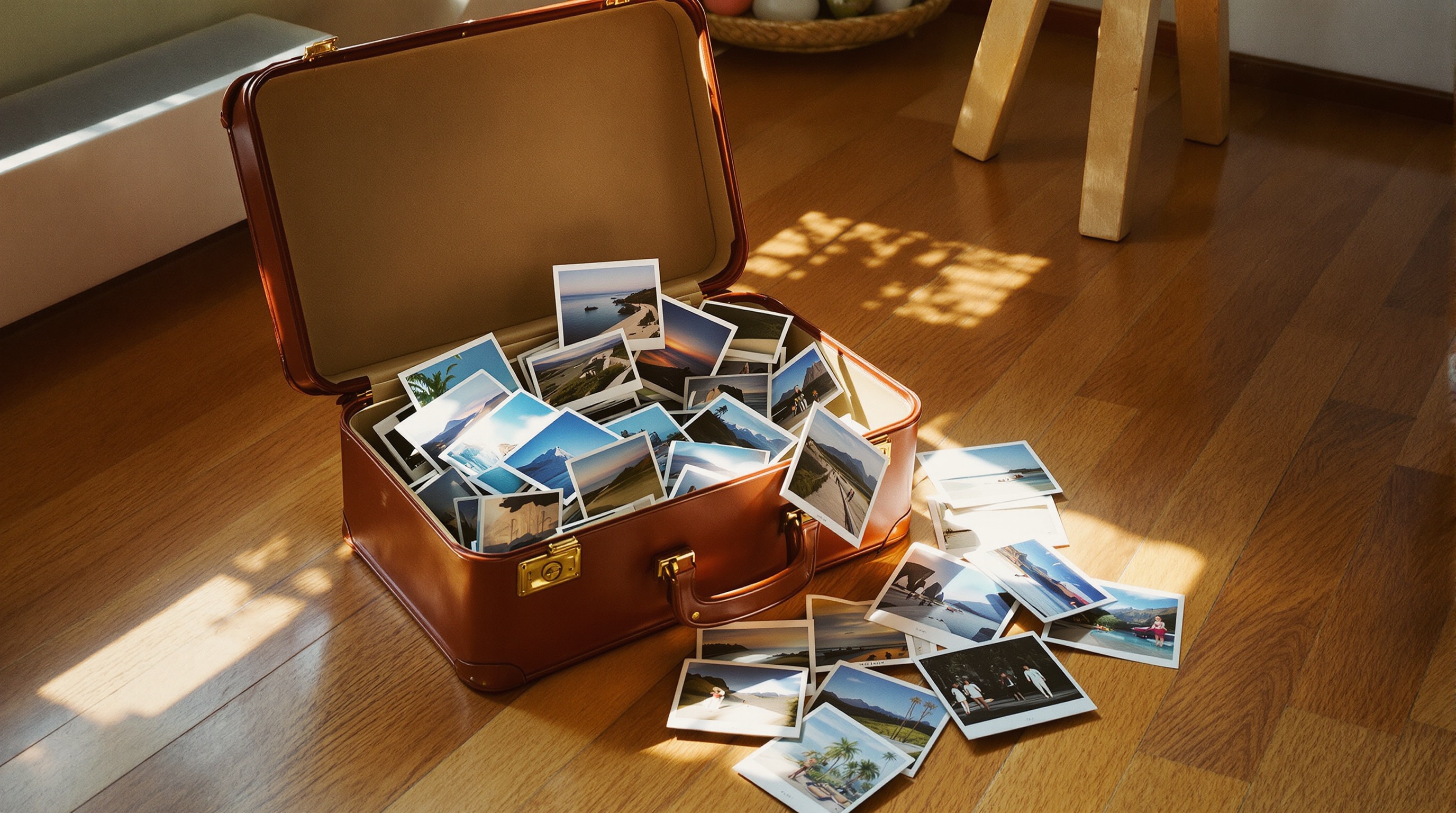
You come home from a two-week trip with hundreds of photos. Your partner wants the beach shots. Your parents want the family dinners. Your friends from the trip want the hiking photos. The obvious move is to throw everything into a cloud service and share a link. But every major platform makes this more complicated — and less private — than it should be.
Google Photos
Google Photos is excellent at organizing your library. The search is fast, the AI grouping is genuinely useful, and the free tier is generous enough for casual use. But sharing has friction. Everyone you share with needs a Google account to collaborate. If your mom uses an iPhone without Gmail, she needs to create one just to add her photos to your album. And behind the scenes, Google scans every image with AI — for search features, for Memories, for ad targeting across its ecosystem. Your vacation photos feed the same machine that decides which ads you see.
This isn't speculation. Google's own terms are explicit about using your content to improve services and personalize ads. If that trade-off is fine with you, Google Photos works well. But it's worth knowing the deal you're making.
iCloud Shared Albums
iCloud works beautifully — if everyone owns Apple devices. Shared Photo Libraries in particular are impressive for families that are all-in on the ecosystem. The problem is the wall: recipients need an Apple ID to participate. Your Android friend, your Windows-only uncle, your colleague who uses a Pixel — they're locked out of the collaborative experience. They can view a shared link on the web, but they can't add photos back, react, or interact meaningfully. Apple's privacy reputation is deserved in many areas, but iCloud sharing is still an ecosystem play. See the full iCloud comparison.
Facebook and Instagram
Social media was never designed for private photo sharing, and it shows. Facebook albums are public by default (you can change it, most people forget). Instagram has no real album sharing feature — you post to your feed or stories, and the audience is your entire following. Both platforms strip EXIF metadata on upload, which sounds like a privacy win, except they keep that data internally for ad targeting. Your beach sunset in Santorini doesn't just reach your friends — it feeds Meta's interest graph to serve you travel ads for the next six months.
WhatsApp and Telegram
Messaging apps are where most vacation photos end up, and they're the worst option for anything more than a handful of shots. WhatsApp compresses photos heavily — your 12-megapixel originals arrive looking like they were taken on a 2015 budget phone. Telegram is better on quality if you send as files, but then recipients get a zip archive instead of a browsable gallery. Neither platform offers any organization. Scroll through 200 photos in a chat thread and try to find the one from that restaurant — it's buried between memes and voice messages.
None of this is meant as fear-mongering. These are good products that solve real problems. But if your specific problem is sharing a vacation album privately, with full quality, without requiring everyone to sign up for something, none of them fully deliver.
What to Look for in Private Photo Sharing
After testing dozens of platforms for sharing trip photos over the years, a pattern emerges. The features that actually matter aren't the ones platforms market — they're the ones you notice when they're missing.
No account required for viewers
This is the single most important feature and the one most platforms get wrong. If you send your mom a link and she has to create an account before seeing the photos, you've lost her. She'll say she'll "look later" and never will. A share link should open a full gallery experience in any browser, on any device, immediately. No login wall, no app download, no "sign up to continue."
No AI scanning of photo content
The distinction matters. Some platforms scan your photos with AI to provide features like search and face grouping. Others scan them to train models or target ads. A private sharing platform should do neither by default. If you want AI features, you should opt in — not discover them in a privacy policy after the fact.
Private links you can revoke
A link is only as private as the people who have it. For sensitive albums — family photos, kids, personal moments — the link should be impossible to guess and easy to shut off. Viallo gives every album an unguessable 16-byte address, lets you set an expiration, and lets you revoke or disable the link the instant you no longer want it live. It's a simple control that makes a meaningful difference.
Full resolution preservation
Your phone takes 48-megapixel photos. Your camera takes RAW files. If the sharing platform compresses them down to a fraction of their quality, what's the point? The people you're sharing with should see the same photos you took — not compressed previews that look muddy when printed or zoomed.
GDPR compliance and EU data hosting
If you're in Europe (or sharing with people in Europe), where your data is stored matters legally. GDPR Article 4(1) defines personal data broadly enough that photos with identifiable faces, GPS coordinates, and timestamps unambiguously fall in scope, and the CJEU's Schrems II ruling (Case C-311/18) treats US-hosted alternatives as a transfer risk requiring additional safeguards. A platform that stores your photos in the EU gives you legal protections that US-hosted alternatives simply don't.
No ad targeting from photo content
This one is straightforward: your vacation photos should not influence which ads follow you around the internet. If the platform's business model is advertising, your photos are the product. If the business model is subscriptions, your photos are the service. There's a fundamental alignment difference.
How to Share Vacation Photos with Viallo
Viallo was built around the premise that sharing photos should be as simple as sending a link, with privacy as the default — not an afterthought. Here's how the sharing flow works in practice.
1. Upload your photos to an album
Create a new album ('Portugal 2026', 'Summer Road Trip', whatever you like) and upload your photos. Viallo handles files up to full resolution — no compression, no quality loss. Photos are stored in EU data centers with GDPR protections.
2. Create a share link
Open the album and tap Share. Viallo generates a unique link that opens a full gallery view — with lightbox browsing, photo details, and location grouping. The link uses a random identifier that can't be guessed. One click, done.
3. Send the link to anyone
Text it, email it, drop it in a group chat. Recipients open the link in any browser and see the full album immediately. No sign-up form, no app download, no "continue with Google" wall. It works on iPhones, Android phones, tablets, and desktops. Your 70-year-old father-in-law can see the photos just as easily as your tech-savvy friend.
4. Control who sees it (optional)
For albums with personal or sensitive photos, set an expiration date on the link, hide specific photos from the shared view, or revoke the link entirely at any time. The link itself uses an unguessable 16-byte address, so it stays private by default, and you can see who has viewed it.
5. Invite collaborators to add their photos (optional)
This is where it gets powerful for group trips. Instead of just sharing your photos, invite others to contribute theirs. Everyone's photos end up in one album — organized, browsable, and high-quality. Contributors don't need to download an app either. More on this below.
Before sharing, it's worth reviewing what data your photos carry. Per the JEITA CP-3451 Exif 2.32 specification, GPS coordinates, timestamps, and device info travel inside the image file itself. Viallo's Metadata Editor lets you view and control this data before anyone else sees it. For background on why this matters, see the guide to travel photo metadata.

Collaborative Albums for Group Trips
The real killer feature for vacations isn't one-way sharing — it's collaborative albums. The problem with group trips is that everyone takes different photos, and afterward everyone wants everyone else's shots. The usual process is painful: people promise to share, someone creates a Google Drive folder, two people upload, three people forget, and the rest never get around to it.
One album, everyone contributes
With Viallo, you create a collaborative album and share the invite link. Anyone with the link can add their photos directly to the album — from their phone, tablet, or computer. No app download required. No account creation for contributors who just want to upload. The album becomes the single source of truth for the entire trip.
Automatic organization by location
As photos from different people arrive, Viallo automatically groups them by location. Your photos from the Colosseum cluster with your friend's photos from the Colosseum — regardless of who took them, what device they used, or when they uploaded. No manual sorting required.
See the trip on a map
Once everyone has contributed, open the Map View and see the entire trip geographically. Every stop, every detour, every unexpected discovery — plotted on a map with the actual photos. It's the kind of trip overview you can't get from scrolling through a camera roll, and it becomes more complete as more people add their perspectives.
How this compares to alternatives
Google Photos shared albums require everyone to have a Google account. iCloud requires Apple IDs. Dropbox requires the app. WeTransfer is one-directional — you send files, you don't collaborate. Group chats bury photos in noise. Viallo's collaborative albums solve the actual problem: getting everyone's photos into one organized, browsable, high-quality collection with zero friction for contributors.
Frequently Asked Questions
Can I share photos without the other person having an account?
Yes. Viallo share links work without any sign-up. Recipients open the link in any browser and see the full album immediately — with lightbox viewing, photo details, and location grouping. No account, no app, no login wall. If a viewer later decides to create a Viallo account, any albums they've previously viewed are automatically linked to their profile.
Are my shared photos private?
Yes. Only people who have the share link can see your photos. Links use randomly generated identifiers that cannot be guessed or enumerated. For extra control, you can set a link expiration and hide specific photos from the shared view. You can also revoke any share link at any time, immediately cutting off access.
Does Viallo scan my photos with AI?
No. Viallo does not use AI to analyze, scan, or classify your photo content. Your photos are not used for ad targeting, model training, or any form of content analysis. The only processing that happens is what you explicitly trigger — like reading existing EXIF metadata for organization or using the Metadata Editor to make changes.
How is Viallo different from Google Photos sharing?
Three key differences. Access: Viallo share links work without any account; Google Photos requires a Google account for collaboration. Privacy: Viallo doesn't scan photos with AI or use them for ad targeting; Google uses your photos for search, Memories, and personalized ads across its ecosystem. Security: Viallo albums are private by default behind an unguessable link you can revoke or expire anytime; Google Photos ties sharing to accounts and offers no such link controls. See the full Google Photos comparison for a detailed breakdown.