Road Trip Photo Sharing: Map Every Stop (2026)
Quick take: The best way to handle road trip photo sharing is one collaborative album that pins every shot to where it was taken, so anyone following along sees the route on a map. Viallo builds that map automatically from your photos' GPS data and lets friends and family open the whole trip from a single link - no account, no app. Google Photos can do shared albums too, but the map view and no-login access are what make a trip feel like a journey instead of a pile of pictures.
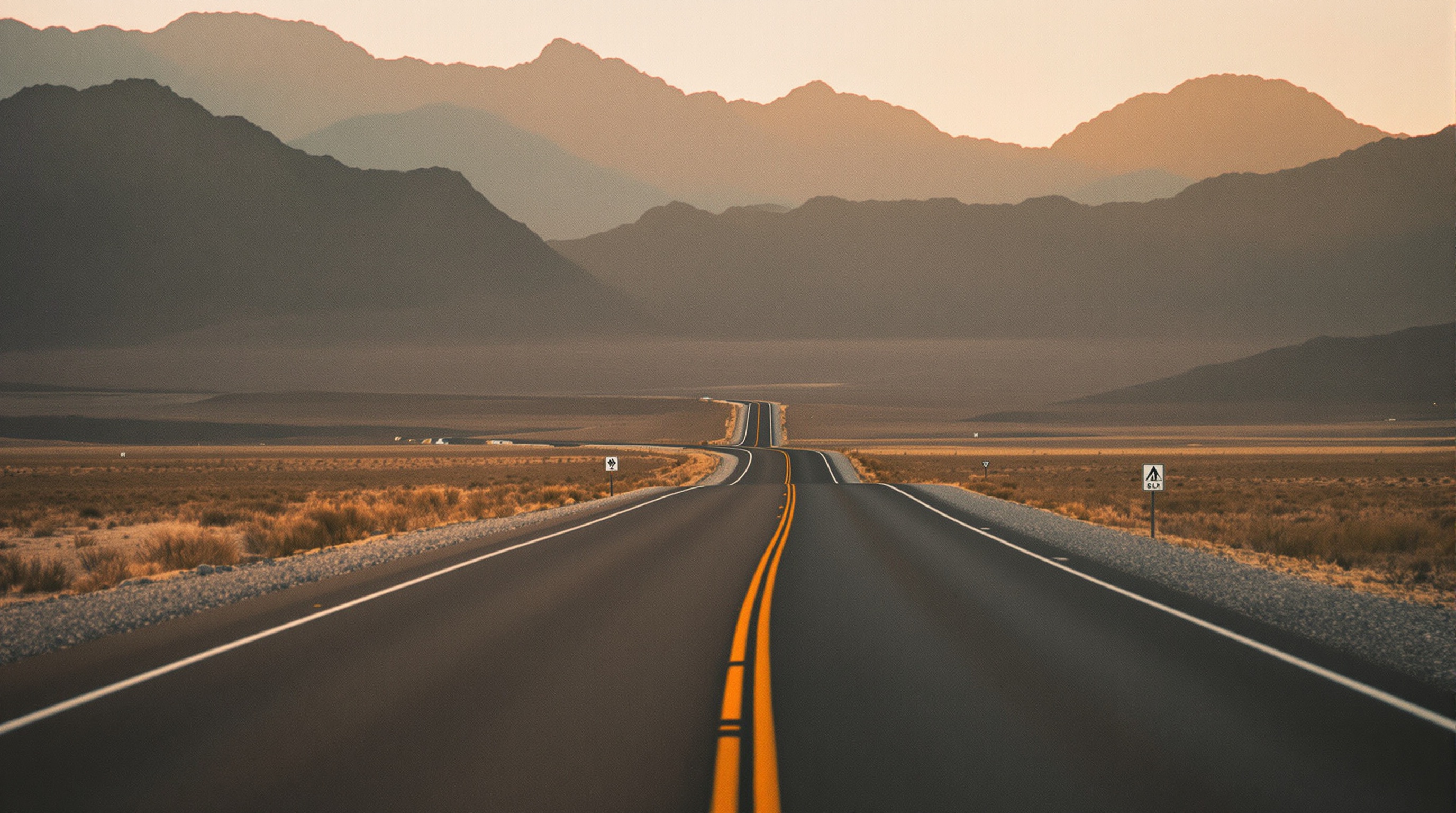
Why road-trip photos lose their sense of place
A road trip is defined by movement - the diner at exit 40, the overlook two hours later, the town you only stopped in because someone needed gas. But by the time you get home, all of that collapses into one undifferentiated camera roll. Three hundred photos, no map, no order, and nobody remembers which mountain was which.
It gets worse when six people were in the car. Everyone shot something. Your photos are on your phone, your partner's best frame is on theirs, and the friend in the back seat got the only good picture of the whole group. There's no single place where the trip actually exists.
The fix is to build one shared album for the trip and let it organize itself by location. Viallo groups every photo by where it was taken and drops the stops onto a map, so the album reads like the route you actually drove. Google Photos offers shared albums as an alternative, but it doesn't turn the trip into a map you can follow stop by stop.
One album that maps every stop
Viallo is a private photo-sharing platform built around albums you share with a link. Photos are stored at full resolution on GDPR-compliant EU servers, they're never scanned to train AI or target ads, and albums are private by default. Two things make it a good fit for a road trip specifically: it groups your photos by location automatically, and it draws a map view of every place you stopped - no tagging, no manual sorting.
Here's how to set up the trip album so it maps itself:
- Create one album for the whole trip. Name it for the route - "Pacific Coast, October 2026" beats "Album 3." This is the only album you'll touch for the entire drive.
- Turn on location data in your camera. Each photo then carries the GPS coordinates of where you shot it. That metadata is what feeds the map.
- Upload as you go, or all at the end. Either works. Photos land in the album and Viallo clusters them by place automatically.
- Open the map view. Every stop shows up as a point on the route, and tapping a location filters the album down to just those photos.
- Generate one share link. That single link is what you send to everyone in the car and everyone back home.
The distinctive part is step four. Instead of scrolling a flat wall of three hundred photos, you see the shape of the trip - the coast road, the desert detour, the city you ended in. For a deeper look at how this works, read our guide to building a travel photo album with a map.
Let the whole car add photos
The best road-trip photo usually isn't yours. Someone in the back seat catches the light better, or they're the only one who got the group at the overlook. A trip album only works if everyone's shots end up in the same place.
With one shared album, you don't have to collect photos over text a week later. Everyone contributes to the same album, and because location grouping is automatic, it doesn't matter who shot what or in what order - a photo from the gas station at noon and a photo from the summit at 4 p.m. sort themselves onto the map correctly.
The Viallo iOS app makes this painless at each stop. Anyone with the app on their iPhone can upload the last leg's shots straight from the parking lot, so the album fills in over the course of the trip instead of in one chaotic dump three weeks after you get home. For a fuller walkthrough of shared contribution, see how to build a collaborative photo album.
A few rules keep a shared trip album clean:
- Agree on one album before you leave, not five. One link, one map. Five half-full albums defeat the point.
- Upload at stops, not while driving. Batches at the diner or the hotel keep it painless and keep the map current.
- Hide the near-duplicates. Keep your favorite of the twelve canyon shots in the shared view and tuck the rest away without deleting them.
Let family follow the route by link
Half the fun of a road trip is the people who couldn't come. Parents, grandparents, the friend who had to work - they want to see where you are without you narrating it over the phone every night.
Send them the album link once. They open it in any browser - Safari, Chrome, whatever is on grandma's tablet - and see the whole trip, map included. No account, no app download, no "sign in to view" wall. As you add photos from each stop, the same link updates, so they can check back and watch the route grow.
This is where a link-based album beats a group chat. In a WhatsApp or iMessage thread, photos scroll away and lose their order the moment someone drops in a voice note. A Viallo link keeps every photo in one place, on a map, at full resolution - and anyone can open it without joining anything. For more on keeping distant relatives in the loop, see how to share travel photos with family.
Keeping the trip private
A road-trip album is full of location data - your route, where you stayed, when you were away from home. That is exactly the kind of information you don't want indexed by a search engine or mined for ads.
Viallo albums are private by default. The share link is the only way in, and you control it:
- Keep the link private. If the album shows your kids or your exact overnight stops, the link is an unguessable random string and you can revoke it anytime, so a forwarded link stops working the moment you disable it.
- Revoke access anytime. When the trip is over and you'd rather close it off, one tap kills the link - no cached copies left sitting on a platform's servers.
- Full-resolution EU storage. Your photos stay at the quality you shot them, on GDPR-compliant servers, and are never scanned to train AI.
That is a real difference from posting the trip to Instagram or a public album, where location and faces get analyzed and the photos effectively become public. Private by default means the trip stays between the people you actually sent the link to.
Viallo vs Google Photos vs a group chat
For a trip, the three realistic options are a dedicated album, Google Photos, or the group chat everyone is already in. Here is how they compare on the things that matter for a road trip:
| For a road trip | Viallo | Google Photos | Group chat |
|---|---|---|---|
| Map view of stops | Automatic from GPS | No map, date-sorted | None |
| Everyone can add photos | Yes, one shared album | Yes, with a Google account | Yes, but they scroll away |
| Family views without account | Yes, any browser | Basic view via link | Must be in the chat |
| Photo quality | Full resolution | High (some compression) | Heavy compression |
| Privacy | Private by default, EU storage, no AI scanning | Scanned for search and ads | Encrypted chat, but no album |
A group chat wins on convenience because everyone is already in it, but it is the worst place for a trip you'll want to look back at - photos compress, lose their order, and there is no map. Google Photos is a genuine alternative and handles shared albums well, but it sorts by date rather than place and asks every contributor for a Google account. If the point of the trip is the route, an album that maps every stop and opens for anyone is the closer fit. Viallo's free plan covers 2 albums, 200 photos, and 10 GB with no credit card - enough for one big trip - and you can compare the paid tiers on Viallo's pricing page.
Frequently Asked Questions
What is the best way to share road trip photos?
The best way is one collaborative album that organizes photos by location and opens from a single link. That way everyone in the car adds to the same place and anyone at home can follow the route on a map. Viallo does this automatically - it clusters your photos by GPS and builds a map view, and viewers open the album in a browser with no account. Google Photos is a solid alternative for shared albums, but it sorts by date instead of mapping each stop.
How do I put my road trip photos on a map?
Turn on location data in your phone's camera settings before the trip, then upload the photos to an album that reads GPS metadata. The map is built from the coordinates saved in each photo. In Viallo, location grouping and the map view are automatic - upload the album and every stop appears as a point on the route. Note that some messaging apps like WhatsApp strip GPS data from photos, so upload the originals rather than versions sent through a chat, or the map can't place them.
Is it private to share a road trip album by link?
Yes, as long as the platform keeps albums private by default and lets you control the link. A trip album carries your route and overnight stops, so this matters more than usual. Viallo albums are private by default, the share link is an unguessable random string you can revoke anytime, and photos sit on GDPR-compliant EU servers that are never scanned for ads or AI training. Posting the same trip to a public Instagram album, by contrast, exposes your location data to anyone and to the platform's analysis.
What is the difference between a shared album and a group chat for a trip?
A shared album keeps every photo in one organized place; a group chat scrolls them away in the conversation. In a WhatsApp or iMessage thread, a trip photo is buried under messages within a day and gets compressed on the way. A Viallo album holds the photos at full resolution, sorts them onto a map by location, and stays open on one link that family can revisit. The group chat is easier to start because everyone is already there, but it is the wrong tool for photos you'll want in five years.
Can everyone in the car add to the same album?
Yes. Share the album so each traveler can upload their own shots, and because grouping is by location, it doesn't matter who adds what or when - the photos sort themselves onto the map. On Viallo, contributors with the iOS app can upload from each stop while people back home just open the link to watch. The one limit: to add photos rather than only view, each contributor needs the app or an account, so agree on the shared album before you leave.