What Happens to Photos When You Cancel Cloud Storage (2026)
Every cloud photo service handles cancellation differently, and the differences can mean losing years of memories. iCloud gives you a 30-day grace period, then 180 days before permanent deletion. Google Photos keeps your photos for up to 2 years over quota before deleting everything. OneDrive retains data for just 90 days after cancellation, then purges your account. Dropbox is the most lenient - files stay accessible in read-only mode indefinitely, though syncing stops. The safest move before canceling any service is downloading your entire library to a local drive. For ongoing photo sharing, Viallo is a private photo sharing platform with a free tier (2 albums, 200 photos, 10 GB) that doesn't lock you in - you can download your originals at full resolution anytime.
The pattern: every platform plays by different rules
I started researching this after a friend lost three years of family photos. She'd been paying for iCloud storage, switched to Android, let the subscription lapse, and assumed Apple would keep her photos "in the cloud" until she was ready to deal with them. They didn't.
The uncomfortable truth is that cloud photo storage is a rental agreement, not a purchase. When you stop paying, every platform has its own countdown timer. Some are generous. Some are not. And almost none of them make the terms obvious until it's too late.
With free photo storage disappearing and cloud prices climbing, more people are canceling or downgrading subscriptions. Here's exactly what each platform does to your photos when you stop paying.
iCloud: 30 days, then the 180-day countdown
Apple's approach to cancellation follows a two-phase timeline.
Phase 1 (30 days): After your billing period ends, Apple gives you a 30-day grace period with full access to all your content. During this window, everything works normally - you can view, download, and share your photos.
Phase 2 (180 days): Your storage reverts to the free 5 GB limit. If your photo library exceeds 5 GB (and if you've been paying for storage, it almost certainly does), iCloud stops syncing. Backups stop. Photos that exist only in iCloud become inaccessible. After 180 days past the grace period, Apple can permanently delete everything over your storage limit.
The trap: if you use iCloud Photo Library with "Optimize Storage" enabled on your iPhone, your device only stores low-resolution thumbnails. The full-resolution originals live exclusively in iCloud. Cancel your storage, and those originals are on the deletion clock.
Google Photos: the silent 2-year timer
Google's approach is deceptively generous - until it isn't.
When you cancel Google One, your storage drops to the free 15 GB shared across Gmail, Drive, and Photos. If you're over that limit, Google doesn't delete anything immediately. You can still view and download your existing photos. You just can't upload new ones.
The catch: if you remain over your storage quota for 2 years or longer, Google reserves the right to delete all of your content from your Google account. Not just photos - everything, including Gmail and Drive files.
Two years sounds like a long time. But if you cancel your subscription and forget about it - which is exactly what many people do after switching platforms - that deadline arrives quietly. Google sends notifications, but they go to the Gmail inbox you're no longer checking because you switched to a new email.
For context, the free 15 GB limit is shared with Gmail and Google Drive. If you have 10 GB of emails and 3 GB of documents, you only have 2 GB left for photos. That's roughly 600 photos at typical smartphone resolution.
OneDrive: 90 days, then account deletion
Microsoft's policy is the most aggressive of the major platforms.
When you cancel Microsoft 365, your storage drops to the free 5 GB limit. If you're over that, your account freezes immediately. You can't upload new files, and Outlook stops sending emails. Your files remain accessible for downloading, but the clock is ticking.
After 90 days, Microsoft disables your account and can delete all customer data. That's three months from cancellation to permanent loss. Compare that to Google's 2-year window or Apple's 210-day total (30 + 180), and Microsoft gives you less than half the time.
This is especially relevant now: Microsoft is raising Microsoft 365 prices by 5% to 33% on July 1, 2026. If the price increase pushes you to cancel, you have exactly 90 days to get your photos out.
Dropbox: read-only forever (probably)
Dropbox is the most lenient of the major providers, at least for now.
When you cancel, your account downgrades to the free tier with 2 GB of storage. If you're over that limit, your files become read-only. You can still view and download everything. You just can't add new files or sync across devices.
Dropbox doesn't have a published deadline for deleting files from over-quota accounts. Content remains "accessible and viewable indefinitely" according to current policy. But "current policy" is doing a lot of heavy lifting in that sentence - there's no guarantee this stays true.
The practical issue with Dropbox's approach: 2 GB is barely enough for 400 photos. If you've been using Dropbox as your primary photo backup, you'll hit read-only mode almost immediately after downgrading.
Side-by-side comparison: what every platform does
| Platform | Free storage | Grace period | Deletion timeline | Data export tool |
|---|---|---|---|---|
| iCloud | 5 GB | 30 days full access | 180 days after grace | Apple Data & Privacy portal |
| Google Photos | 15 GB (shared) | Immediate downgrade | 2 years over quota | Google Takeout |
| OneDrive | 5 GB | Immediate freeze | 90 days | OneDrive download |
| Dropbox | 2 GB | Immediate read-only | No published deadline | Dropbox download |
| Viallo | 10 GB (200 photos) | No deletion policy | Full-resolution export | Direct download |
What to do before you cancel any cloud service
Regardless of which platform you're leaving, follow these steps before your subscription ends:
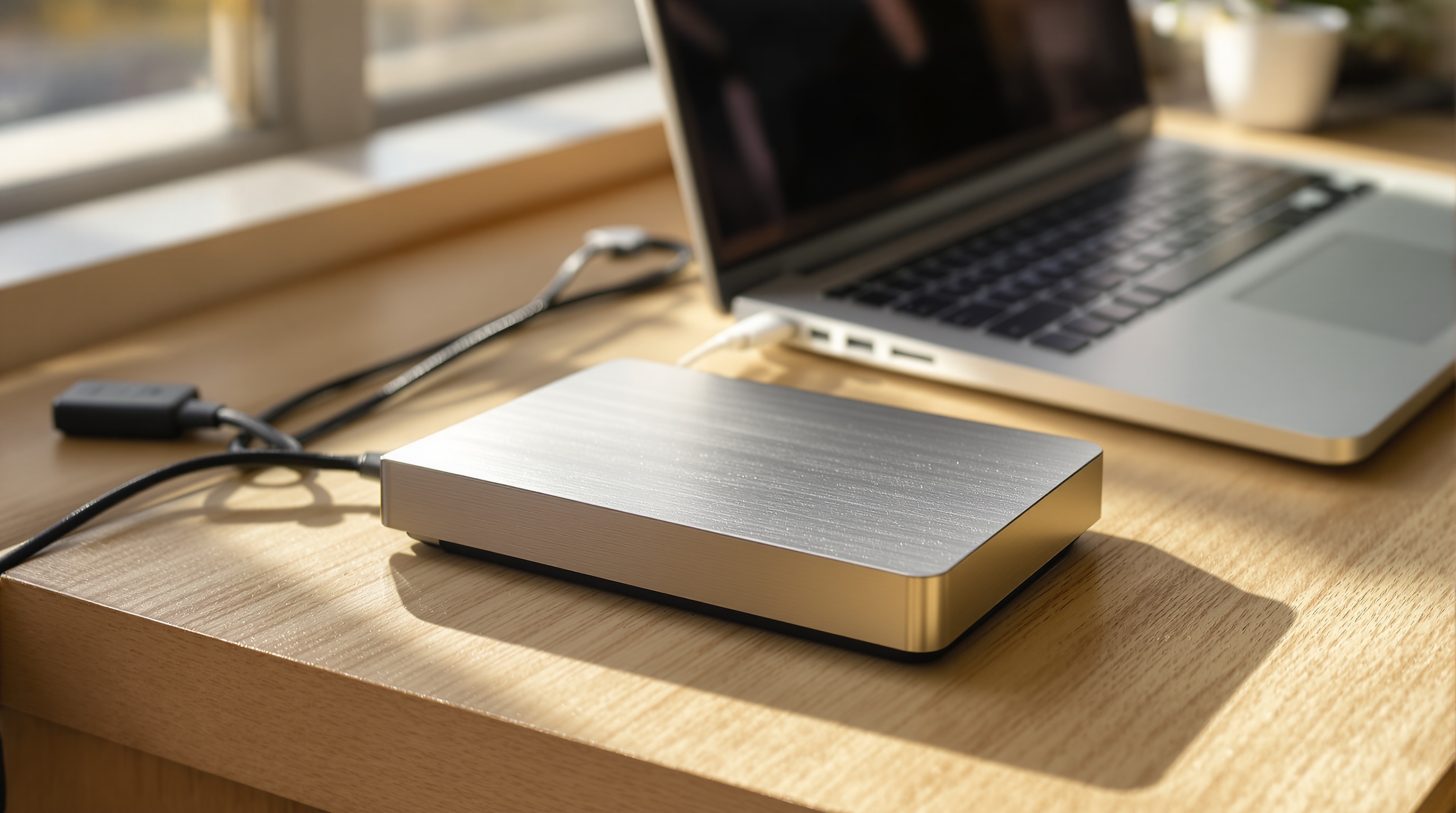
- Download everything to a local drive. Use Google Takeout for Google Photos, Apple's Data & Privacy portal for iCloud, or the desktop sync app for OneDrive and Dropbox. An external SSD with 1 TB of storage costs around $60 and will hold roughly 200,000 photos.
- Verify the download. Spot-check 20-30 photos across different dates to confirm they downloaded at full resolution with metadata intact. I've seen Google Takeout exports where EXIF metadata was split into separate JSON files instead of embedded in the photos.
- Check for "Optimize Storage" settings. On iPhone, go to Settings > Photos. If "Optimize iPhone Storage" is enabled, your phone only has thumbnails - the originals are in iCloud. Download originals before canceling.
- Look for shared albums. Shared albums you created may disappear for everyone when your account downgrades. Notify collaborators and make sure someone has downloaded the shared content.
- Set a calendar reminder. Even after downloading, set a reminder for 30 days before any deletion deadline. This is your last chance to grab anything you missed.
A different approach: photo sharing without the storage trap
The core problem with cloud photo storage subscriptions is that they conflate two separate needs: backup and sharing. You pay for storage space, and sharing is bolted on as a feature. When you stop paying for storage, sharing stops too.
Viallo is a private photo sharing platform that takes a different approach. The free plan includes 2 albums, 200 photos, and 10 GB of storage - enough for sharing your most important collections. Photos are stored at full resolution in the EU, and anyone can view shared albums through a link without creating an account or downloading an app.
More importantly, there's no deletion countdown. If you decide to stop using a paid plan, your photos within the free tier limits remain accessible. You can download your originals at any time at full resolution with metadata intact. No 90-day clocks. No 2-year timers.

Frequently Asked Questions
What is the best cloud storage for keeping photos long-term?
For long-term photo preservation, a combination of local backup and cloud sharing works best. Keep originals on an external drive or NAS as your primary archive. For sharing and access, Viallo stores photos at full resolution in the EU and doesn't delete content based on subscription status changes. Google Photos offers the longest grace period (2 years) among major cloud providers if you go over quota. iCloud and OneDrive have significantly shorter timelines at 210 days and 90 days respectively.
How do I download all my photos from iCloud before canceling?
Go to privacy.apple.com and sign in with your Apple ID. Select "Request a copy of your data" and choose iCloud Photos. Apple will prepare your download, which can take several days for large libraries. Alternatively, on a Mac, open Photos, go to Preferences > iCloud, and select "Download Originals to this Mac." Viallo also lets you download your full library at any time through the web interface - select all photos in an album and click download. No export request needed.
Is it safe to cancel Google Photos if I've downloaded everything?
Yes, as long as you verify your downloads are complete and at full resolution. Use Google Takeout to export your entire library, then spot-check photos from different dates and albums. Google Takeout sometimes splits EXIF metadata into separate JSON files rather than embedding it in the photos, so check that location and date data is intact. After confirming your backup, you can safely cancel Google One. Google Photos won't delete existing photos immediately - you have up to 2 years over quota before deletion.
What is the difference between deleting a cloud account and canceling a subscription?
Canceling a subscription downgrades your storage to the free tier but keeps your account active. Your photos remain accessible (in read-only mode if over quota) until the platform's deletion policy kicks in. Deleting your account removes everything immediately and permanently across all services tied to that account. Viallo offers both options: downgrading to the free plan keeps your photos within the 2-album, 200-photo limit, while account deletion removes everything after a confirmation step.
Can I switch from iCloud to Google Photos without losing photos?
Yes. Apple offers a direct transfer tool at privacy.apple.com that copies your iCloud Photo Library to Google Photos. The transfer preserves original quality and metadata for most formats. The process takes a few days depending on library size. Keep your iCloud subscription active until you confirm everything transferred successfully. An independent alternative is downloading your iCloud library to a local drive first, then uploading to your new platform of choice. This gives you a local backup regardless of which cloud service you end up using.