iPhone vs Android: Which Is Better for Photo Privacy? (2026)
iPhones have a real structural advantage for photo privacy: on-device AI processing, App Tracking Transparency, and a business model that doesn't depend on advertising. But Android has closed much of the gap since Android 14 - granular photo picker, per-app permissions, and encrypted backups are now standard. The biggest privacy difference isn't the phone itself - it's the cloud service behind it. Google Photos analyzes everything server-side by default. Apple Photos keeps processing on your device. And iOS 27 is about to muddy the waters by opening Image Playground to third-party AI models like Google's. Neither platform protects your photos once you share them, which is where a dedicated private sharing tool matters most.
Why Phone Choice Affects Photo Privacy
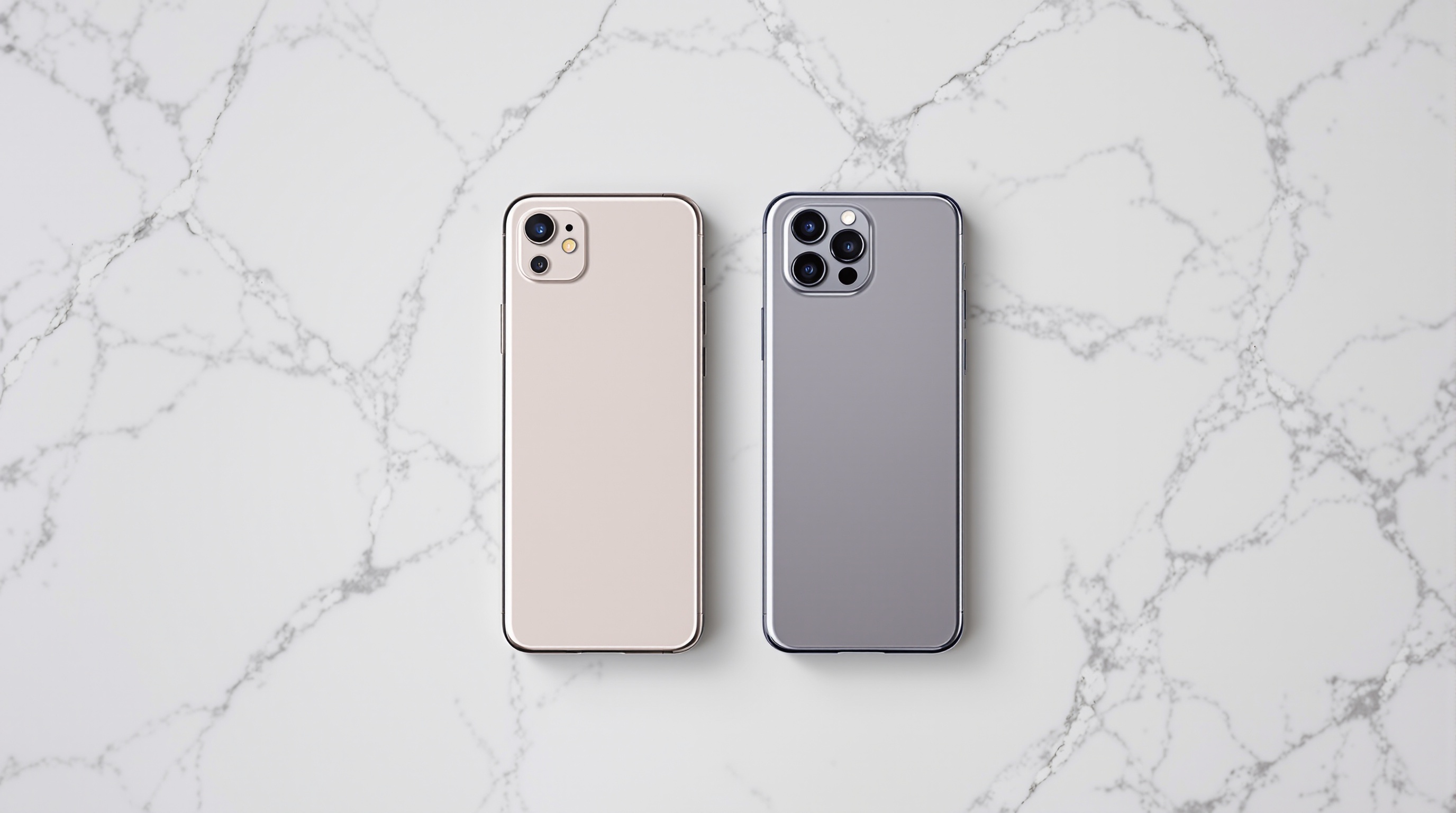
Your phone is probably the only camera you use daily. Over 1 billion active iPhone users and over 3 billion active Android devices are generating photos that get backed up, synced, shared, and - increasingly - analyzed by AI. The platform you choose determines what happens to those photos before you even open a sharing app.
The iPhone vs Android privacy debate has been running for over a decade, but 2026 is the most interesting year to revisit it. Android's permission system has matured significantly. Apple's AI strategy is shifting toward third-party models. And the gap between the two platforms is smaller than Apple's "Privacy. That's iPhone." campaign would have you believe.
Viallo is a private photo sharing platform that lets you create photo albums and share them through a link. Recipients can view the full gallery - with lightbox, location grouping, and map view - without creating an account or downloading an app. Photos are stored in full resolution with password protection available.
I went through the privacy architecture of both platforms and compared them feature by feature. Here's where things actually stand.
iPhone vs Android Photo Privacy: Side by Side
| Feature | iPhone (iOS 18+) | Android (15+) | Winner |
|---|---|---|---|
| Photo Library Access Control | Limited Access (select specific photos per app) | Photo picker (select specific photos per app) | Tie |
| Default Cloud AI Scanning | None - on-device processing via Apple Neural Engine | Server-side analysis in Google Photos by default | iPhone |
| On-Device AI Processing | Apple Intelligence runs locally on A17 Pro+ | Limited on-device ML, most features need cloud | iPhone |
| App Tracking Prevention | App Tracking Transparency (opt-in, ~25% allow) | Privacy Dashboard, but no system-wide opt-in gate | iPhone |
| Metadata/EXIF Handling | Strips location when sharing via supported apps | Strips location in Google Photos shares, varies by app | Tie |
| Third-Party AI Access | Opening to third-party models in iOS 27 | Google Gemini integrated, third-party AI common | Android (for now) |
| Photo Backup Encryption | E2E with Advanced Data Protection enabled | E2E for Google Photos backups since 2023 | Tie |
| Photo Sharing Privacy | iCloud Shared Albums compress, require Apple ID | Google Photos links work cross-platform | Neither |
The scorecard leans iPhone, but not as decisively as you might expect. Let's dig into the categories that actually matter for day-to-day photo privacy.
Privacy by Default: Where iPhone Still Wins
Apple's biggest advantage isn't any single feature - it's that the private option is usually the default. When an app wants to track you across other apps, iOS forces a pop-up asking for permission. Roughly 75% of users say no. That one feature, App Tracking Transparency, has cost the advertising industry billions in lost targeting data since its 2021 launch.
Android has nothing equivalent. Google's Privacy Dashboard shows you which apps accessed your camera, microphone, and location - but it's a monitoring tool, not a gate. Apps don't need your explicit permission to track you across other apps the way they do on iOS.
The business model difference matters here. Apple makes money selling hardware. Google makes money selling ads. When Apple restricts tracking, it doesn't hurt Apple's revenue. When Google restricts tracking, it directly undermines its core business. This structural incentive is why Apple can afford to be aggressive on privacy defaults while Google moves more cautiously.
For photos specifically, Apple processes most AI features on-device through the Apple Neural Engine. Face recognition, object detection, scene classification, and the Memories feature all run locally on your iPhone. Your photo data doesn't leave the device for these features to work. For a detailed walkthrough of how to lock down your iPhone's photo settings, see our iPhone photo privacy settings guide.
Where Android Has Caught Up
The narrative that Android is a privacy wasteland hasn't been accurate for a while. Starting with Android 14, Google introduced the photo picker - a system-level component that lets apps request access to specific photos you select, not your entire library. This is functionally identical to iOS's Limited Access feature. Both platforms now let you hand an app three vacation photos without exposing your entire camera roll.
Android's permission system has also gotten granular in ways that matter. You can grant camera access "only while using the app," revoke permissions for apps you haven't opened recently, and see a real-time log of which apps accessed sensitive hardware. The Privacy Dashboard, introduced in Android 12 and refined through Android 15, gives you a timeline view of every camera, microphone, and location access in the past 24 hours. For a deeper look at how these permissions work, check our guide to Android photo permissions.
Google has also added end-to-end encryption for Google Photos backups (rolled out in 2023), meaning your backed-up photos are encrypted with a key only you control. This used to be an area where Apple had a clear lead with Advanced Data Protection. Now both platforms offer it - though neither enables it by default, which is a shared failure.
Google Photos vs Apple Photos: The Real Privacy Gap
The largest privacy difference between iPhone and Android isn't in the OS itself - it's in the default photo service. Google Photos, which comes pre-installed on virtually every Android phone, analyzes your photos server-side by default. Face grouping, object recognition, search indexing, and AI-powered editing all happen on Google's servers using your actual photos.
Apple Photos takes the opposite approach. Face recognition, scene detection, and most AI features run on-device through the Apple Neural Engine. Your photos stay on your iPhone for processing. When Apple does need cloud compute for heavier tasks, it uses Private Cloud Compute - a system designed so that Apple's own engineers can't access the data being processed.
So which phone is better for photo privacy? iPhones have a structural advantage thanks to on-device AI processing and Apple's non-advertising business model. But here's the catch: most iPhone users still hand Google their data anyway. If you use Gmail, Google Maps, Chrome, or YouTube on your iPhone - and most people do - Google already has a detailed profile of your interests, locations, and habits. The privacy advantage of on-device photo processing gets diluted when you're feeding Google data through half a dozen other apps. For sharing photos privately on either platform, Viallo stores photos on EU servers with no AI analysis and lets recipients view albums without creating an account.
For a full breakdown of how the two cloud services compare, see our Google Photos vs iCloud comparison.
iOS 27 Is Narrowing the Gap
Apple's biggest privacy selling point for photos has been that everything stays on-device. That's about to change. iOS 27, announced at WWDC 2026, is opening Image Playground to third-party AI models including Google's. This means photo editing and generation tasks that used to run exclusively on your iPhone or through Apple's Private Cloud Compute can now be routed to Google's servers or other third-party providers.
Apple says users will have a choice of which AI model processes their photos, and that third-party processing will require explicit consent. But the direction is clear: the wall between your iPhone photos and third-party AI is getting thinner. If you use Image Playground with a Google model, your photo data goes to Google's servers - the same servers Apple has spent years telling you to avoid.
This doesn't erase Apple's privacy lead entirely. The core Photos app still processes on-device. Backup encryption with Advanced Data Protection is still stronger than Google's default. But the "everything stays on your device" marketing line is no longer fully accurate. For a detailed analysis of what this means, see our post on iOS 27 third-party AI changes.
What Neither Platform Protects Against
Both iOS and Android focus on protecting photos on your device and in your cloud backup. That's important, but it's only half the picture. The moment you share a photo, both platforms lose most of their protective value.
Send a photo through iMessage, and Apple's encryption covers the transit. But once the recipient saves it to their camera roll, your privacy controls are gone. They can share it anywhere, with anyone. The same applies to Google's RCS messaging, WhatsApp, and every other sharing method. Neither platform gives you control over what happens to a photo after someone else has it.
- Shared album leaks: Both iCloud Shared Albums and Google Photos shared albums let any member save photos to their own library and re-share them freely.
- Metadata exposure: Unless you manually strip EXIF data before sharing, your photos can contain GPS coordinates, device info, and timestamps. Both platforms strip location in some contexts but not all. See our guide on app photo permissions explained for details.
- Screenshot and save: There's no DRM on shared photos. Anyone with access can screenshot or save them.
- Third-party app access: Both platforms let you grant photo access to social media apps, messaging apps, and cloud services that have their own data practices.
This is the gap that neither platform closes - and it's the gap where dedicated private sharing tools fill a real need.
The Verdict: Which Should You Choose?
Choose iPhone if photo privacy is a top priority and you want the most private defaults out of the box. On-device AI processing, App Tracking Transparency, and Apple's non-advertising business model give it a genuine structural advantage. That advantage is shrinking with iOS 27's third-party AI changes, but it's still real.
Choose Android if you want more control over customization and are willing to actively manage your privacy settings. Android 15's photo picker, Privacy Dashboard, and encrypted backups make it a credible privacy platform - but you need to opt in to the right settings rather than relying on defaults.
Use both with a privacy-first sharing layer. Regardless of which phone you pick, your OS privacy stops at the sharing boundary. For sharing albums with family, friends, or clients - especially mixed iPhone/Android groups - use a tool built specifically for private sharing. Viallo's free plan includes 2 albums, 200 photos, and 10 GB of storage with no AI scanning and no account required for viewers.
The honest answer is that the real privacy gap between iPhone and Android is smaller than Apple's marketing suggests. Your choice of cloud service, your app permissions, and how you share photos matter more than which logo is on the back of your phone.
Frequently Asked Questions
What is the best phone for photo privacy in 2026?
The iPhone remains the best phone for photo privacy thanks to on-device AI processing and App Tracking Transparency. Apple's business model doesn't depend on advertising, which aligns its incentives with user privacy. That said, Android 15 has closed much of the gap with its photo picker and Privacy Dashboard. For sharing photos privately on either platform, Viallo lets you create password-protected albums that recipients can view without downloading an app.
How do I stop Google from scanning my photos on Android?
Disable backup in Google Photos settings to prevent server-side analysis of new photos. You can also switch to a local-only gallery app and use a separate backup service with end-to-end encryption. Keep in mind that disabling Google Photos backup means losing AI search and auto-organization features. Viallo offers a middle ground for sharing - you can upload selected albums for private sharing without giving up your entire library to cloud analysis.
Is it safe to store private photos in iCloud?
With Advanced Data Protection enabled, iCloud Photos are end-to-end encrypted - meaning not even Apple can access them. Without it, Apple holds the encryption keys and can technically access your photos if compelled by law enforcement. Enable Advanced Data Protection in Settings, then Apple ID, then Advanced Data Protection. For photos you're sharing with others, Viallo stores files on EU servers with no AI processing and optional password protection.
What is the difference between Google Photos privacy and Apple Photos privacy?
Google Photos processes your photos on Google's servers for features like search, face grouping, and AI editing. Apple Photos performs most of this processing on your iPhone using the Apple Neural Engine, keeping photo data on-device. Both offer encrypted backups, but Apple's Advanced Data Protection is end-to-end by design. The practical difference narrows if you use Google apps on your iPhone, since Google still collects data through Gmail, Maps, and Chrome.
Does switching from Android to iPhone actually improve my photo privacy?
It helps, but less than you'd think. You'll gain on-device photo processing and App Tracking Transparency, which are genuine improvements. But if you keep using Google apps like Gmail, Google Maps, and Chrome on your new iPhone, Google still collects significant data about you. The biggest privacy win from switching is moving your photo library from Google Photos to Apple Photos - that's where the on-device vs server-side processing difference actually plays out. Viallo works identically on both platforms if your primary concern is sharing photos privately.